Chargebee CPQ Configuration
Important
- For accounts created on or after October 31, 2025: Chargebee CPQ and Chargebee CPQ for HubSpot are enabled by default in your test site. To confirm navigate to Settings > Configure Chargebee as shown below. To enable this feature on your live site, contact Chargebee Sales.
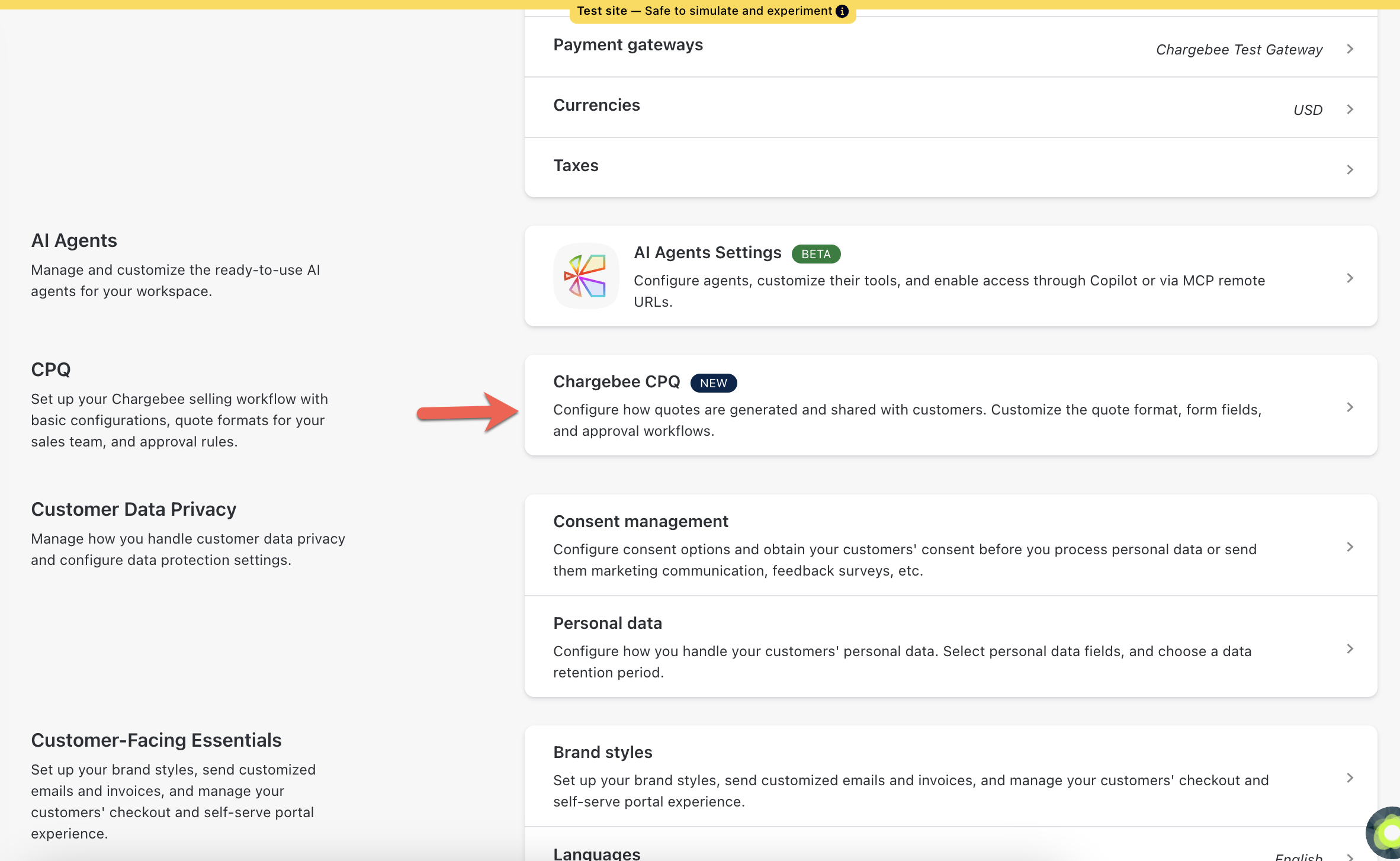
- For accounts created before October 31, 2025: Contact Chargebee Support to enable CPQ or CPQ for HubSpot in your test site. To enable this feature on your live site, contact Chargebee Sales
Use the links below to explore how you can configure Chargebee CPQ to match your sales process:
- Quote Form Builder: Design and customize quote forms to capture the right data.
- Approval Workflows: Set up rules for internal quote approvals. This is optional and can be skipped if you don't require approvals.
Was this article helpful?