How to display custom fields on invoices
Problem Statement
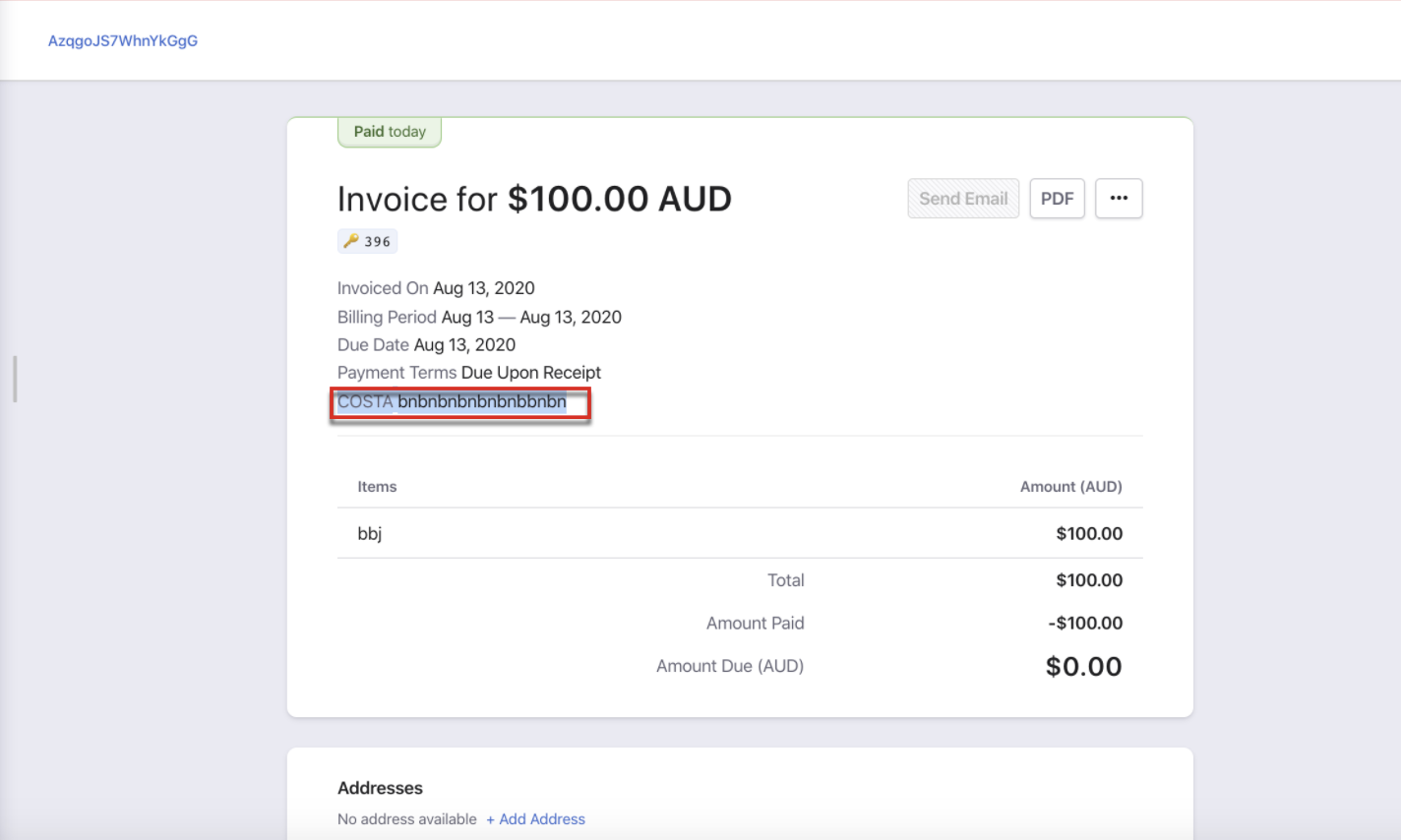
Custom fields are not showing on one-time invoices. How do I display custom fields on invoices?
Solution
You can show up to 3 custom fields on invoices (customer-level or subscription-level). Configure which fields to display in the invoice settings. Changes apply to all invoices from that point forward.
Steps to Set It Up
- Go to Settings > Configure Chargebee > Customize Invoices & Credit Notes > Invoices
- Enable Custom fields
- Click Manage and choose the field names to display
- Click Apply > Apply Changes
Note:
For one-time invoices on v2 hosted pages, custom field display must be enabled by support. You cannot change already generated invoices.
Was this article helpful?