Error "Should be in valid date format" via API
Problem Statement
This article explains why the API returns the error "Term Ends At: Should be in valid date format" (or similar for time-related fields) and how to fix it.
Solution
Chargebee APIs expect time-related fields as UTC timestamps in seconds. If you send a date string or a value in milliseconds, the API returns this error. Convert your date and time to a Unix timestamp (UTC) in seconds before calling the API.
Steps to Set It Up
- Convert the date and time to a UTC timestamp in seconds using a Unix time converter (for example, epochconverter.com).
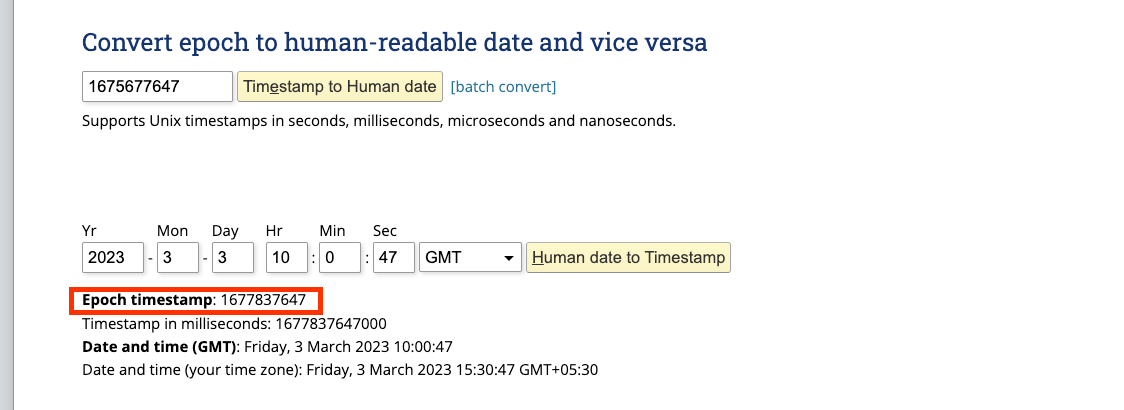
- Pass a numeric timestamp in seconds in the API payload, not milliseconds.
- Retry the API call with the corrected value.
Additional Information
- Do not send timestamps in milliseconds; the API accepts only seconds.
- Use an online Unix time converter to check your values if needed.
Was this article helpful?