How do I update the integration email for Chargebee and NetSuite?
Related Scenarios
- How to change the email address associated with the Chargebee-NetSuite integration without disrupting the current setup.
- Steps to update the integration user's email in NetSuite and Chargebee while maintaining token-based authentication.
Solution
To update the email address associated with the Chargebee-NetSuite integration, follow these steps to ensure that token-based authentication remains unaffected and the integration continues to function without disruption.
-
Update the email address for the user currently linked to Chargebee. In NetSuite, go to Lists > Employees > Employees, open the relevant employee record, update the email address, and save the changes.
-
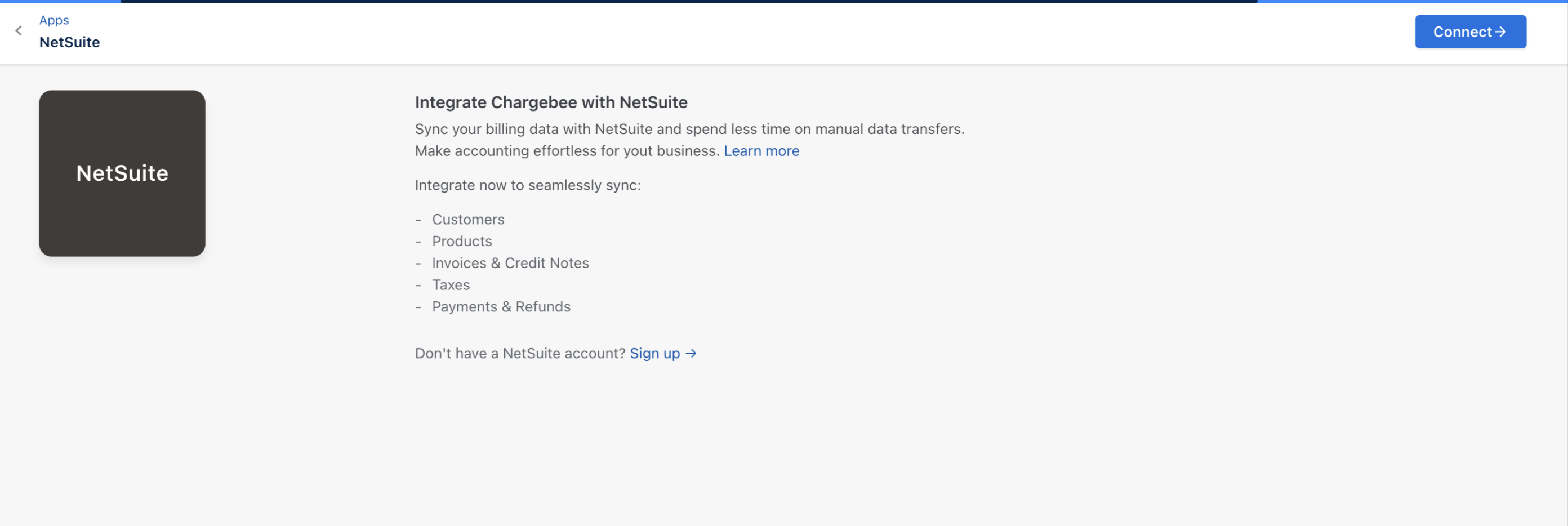
On your Chargebee site, if the Reconnect button appears, click to complete the authentication process.
- Verify the integration:
- After completing the above steps, test the integration to confirm it works with the updated user credentials.
- Review the integration logs for any errors or issues.
Important Notes
- Ensure that the updated employee record in NetSuite retains the same roles and permissions as the previous integration user to prevent disruptions.
- Keep the new token details secure and avoid sharing them publicly.
- Schedule a maintenance window, if required, to minimize operational impact while making these changes.
Was this article helpful?