Can I construct the admin console URL for direct access to Chargebee page from your application?
Problem Statement
You want to open a specific Chargebee record (such as a customer, subscription, or invoice) directly from your internal application without manually searching for it in the Chargebee Admin Console.
Related Scenario
- Embedding a Chargebee record page inside your application using an iframe.
- Redirecting support agents directly to a specific Chargebee record.
- Allowing support teams to access Chargebee records with a single click while assisting customers.
Solution
Chargebee allows you to construct a direct Admin Console URL to open specific records such as customers, subscriptions, or invoices.
By building the URL with the appropriate record type and record ID, you can redirect users or load the Chargebee page inside an iframe from your application. This helps support teams quickly access the required information without searching for the record in the Admin Console.
Use the following format to construct the URL: https://yoursite-test.chargebee.com/admin-console//
Replace the placeholders with the appropriate values:
- Replace
<site-name>with your Chargebee site name (test or live). - Replace
<record_type>with the resource type you want to access (for example, customers, subscriptions, or invoices). - Replace
<record_id>with the unique ID of the resource in Chargebee.
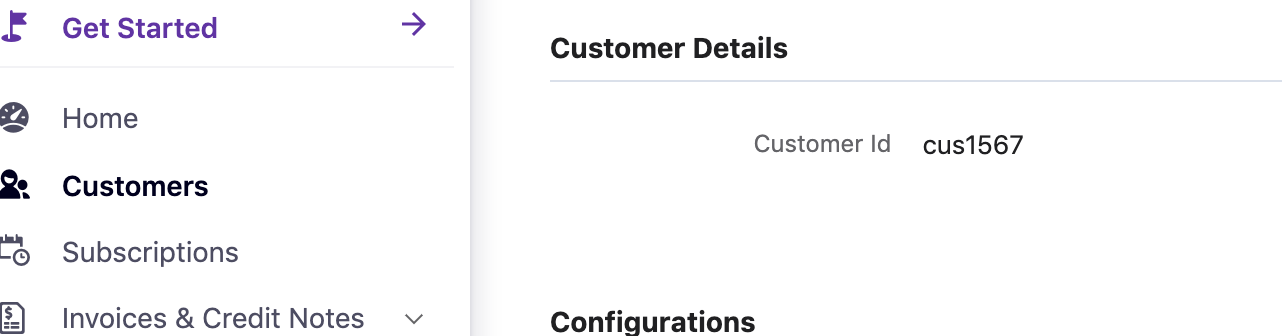
Example
https://acmeinc.chargebee.com/admin-console/subscriptions/123xyz
This URL opens the subscription details page for the subscription ID 123xyz.
Your application or internal tools can dynamically populate the record type and record ID to generate the correct URL.
Additional Information
- Users must be logged in to their Chargebee account in the same browser session to access the Admin Console URL.
- Not all resources have a corresponding details page in the Admin Console. To confirm support, refer to the retrieve operation for the resource in the Chargebee API documentation.
- Avoid storing the redirected internal ID-based URL, as it may change over time. Use the constructed URL format instead.
Was this article helpful?