The coupon and discount information to show up at the bottom of the quote PDF
Problem Statement
You want the coupon and discount information to show in the left-side grey box at the bottom of the quote PDF.
Related Scenarios
- How to make the coupon and discounts show on the left side grey box in the quote PDF?
Solution
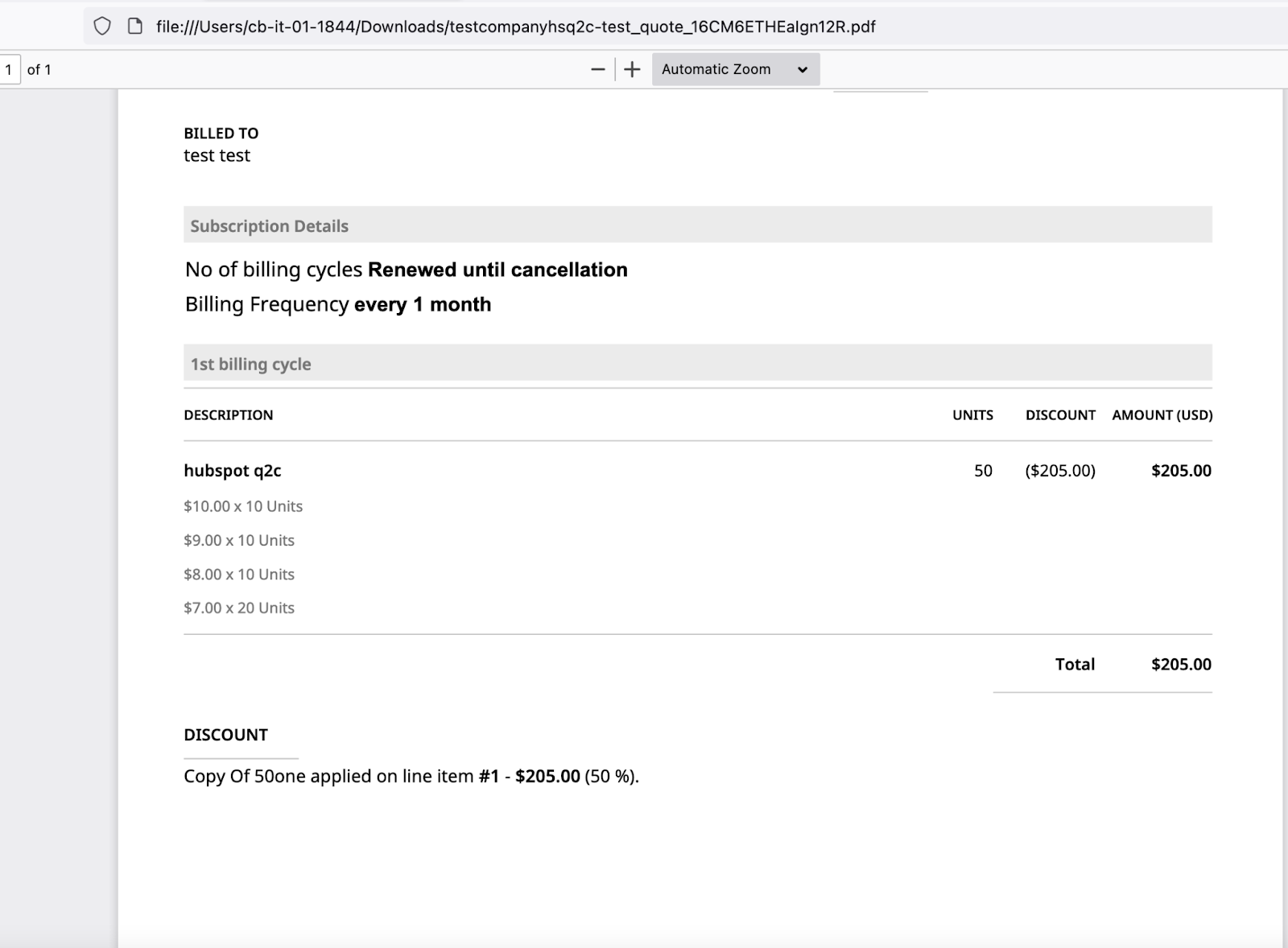
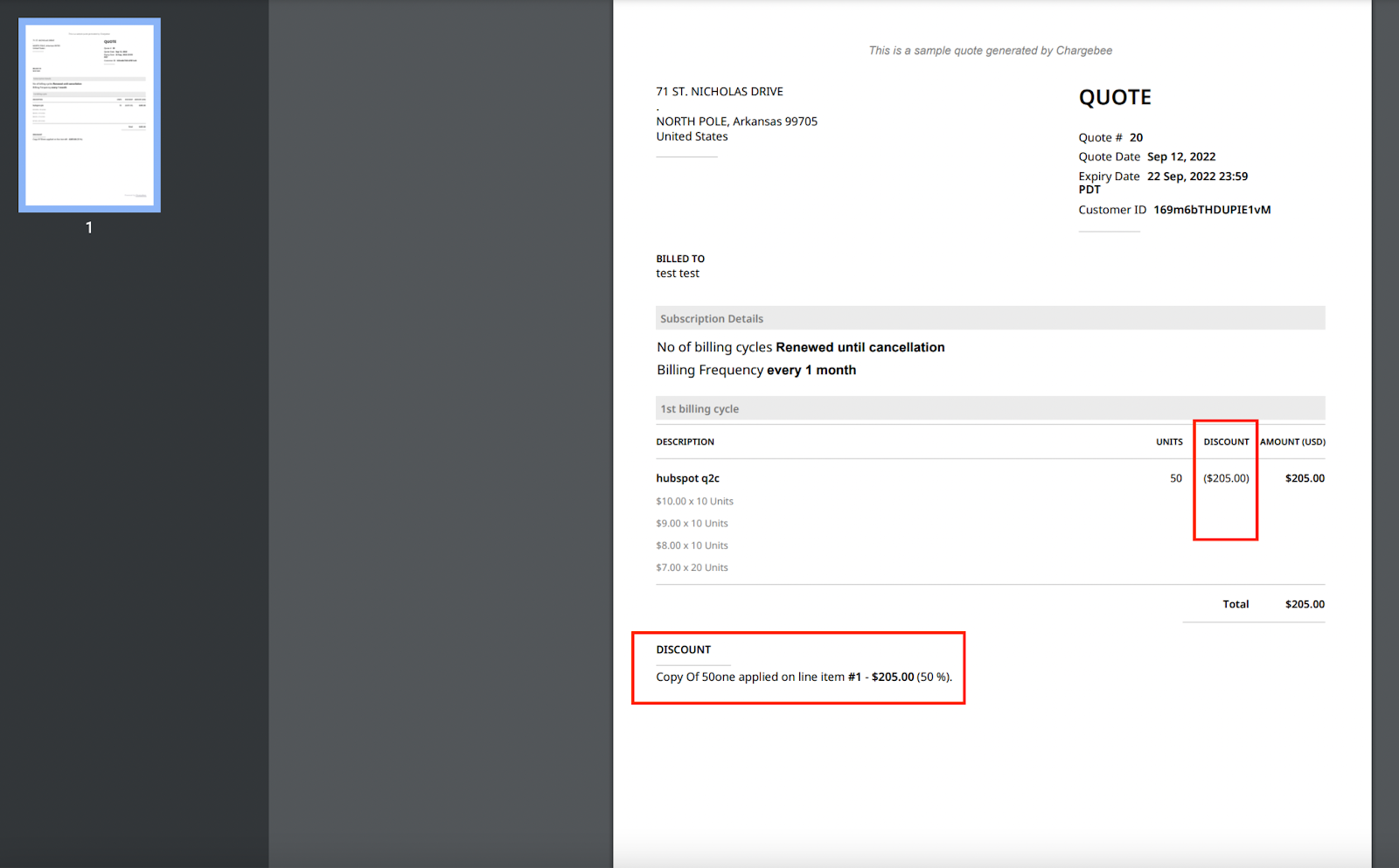
By default, the discount and coupon information is displayed at the bottom of the Quote PDF. Whenever the coupon is applied to a specific line item, the coupon will be displayed in the left bottom box.
Configuration Steps
Step 1: Create a coupon and set "Apply on specified line item" to a specific plan.
Step 2: Create a quote for a new subscription and add the plan and coupon to it.
Step 3: View the PDF; you will see the discount in the left bottom box.
Related Articles
Was this article helpful?