How to build a report that shows all the subscriptions of a parent company?
Currently, a predefined report for subscriptions under a Parent Account or Company is not available. However, you can view and download these subscription details by following the steps mentioned below.
Solution:
- Navigate to Subscriptions > Filter list
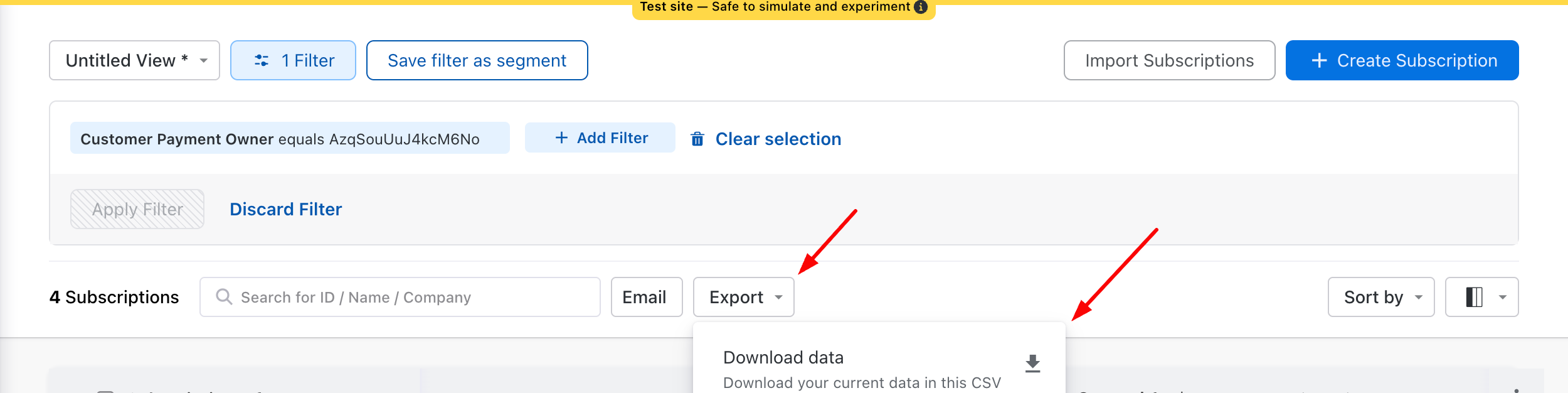
- Search for the required parameter and set the condition accordingly. For example, "Payment Owner" includes Parent Account, for filtering out all the subscriptions from a parent company. Click Apply Filter
To download this data, click on the Export otion -> Select Download Data.
Was this article helpful?