Where is the quick action option in Leap UI?
Problem Statement
This article explains what the quick action is in Leap UI (Latest Product Catalog), where to find it, and how to use it to open options for an item from index pages.
Related Scenarios
- What is the quick action in Latest Product Catalog?
- What is the use of the quick action button in Latest Product Catalog?
Solution
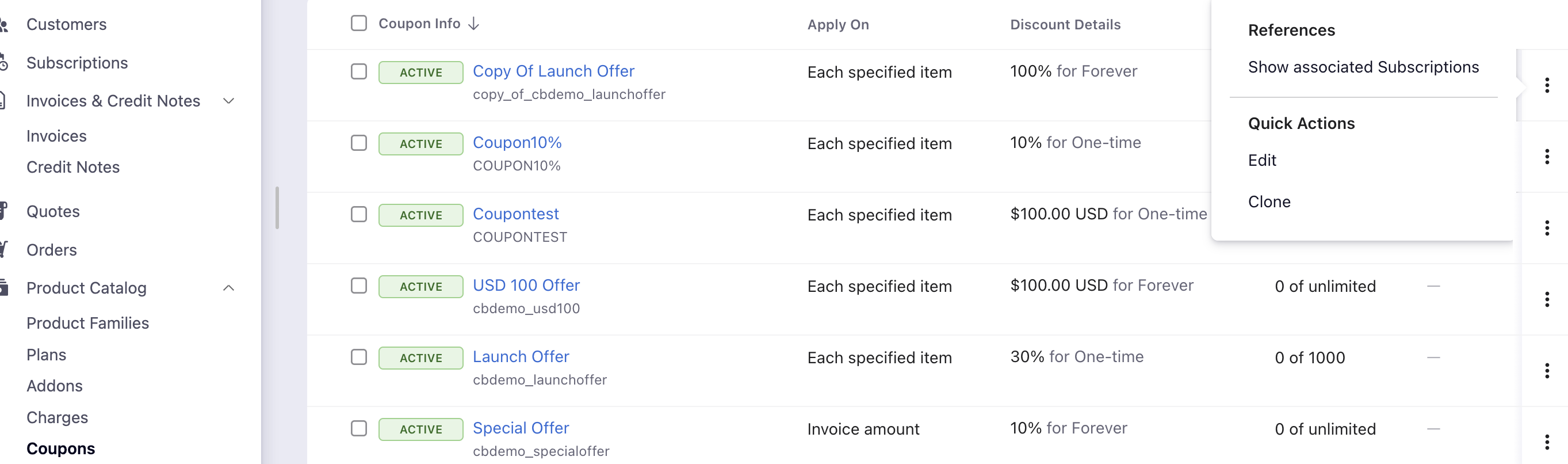
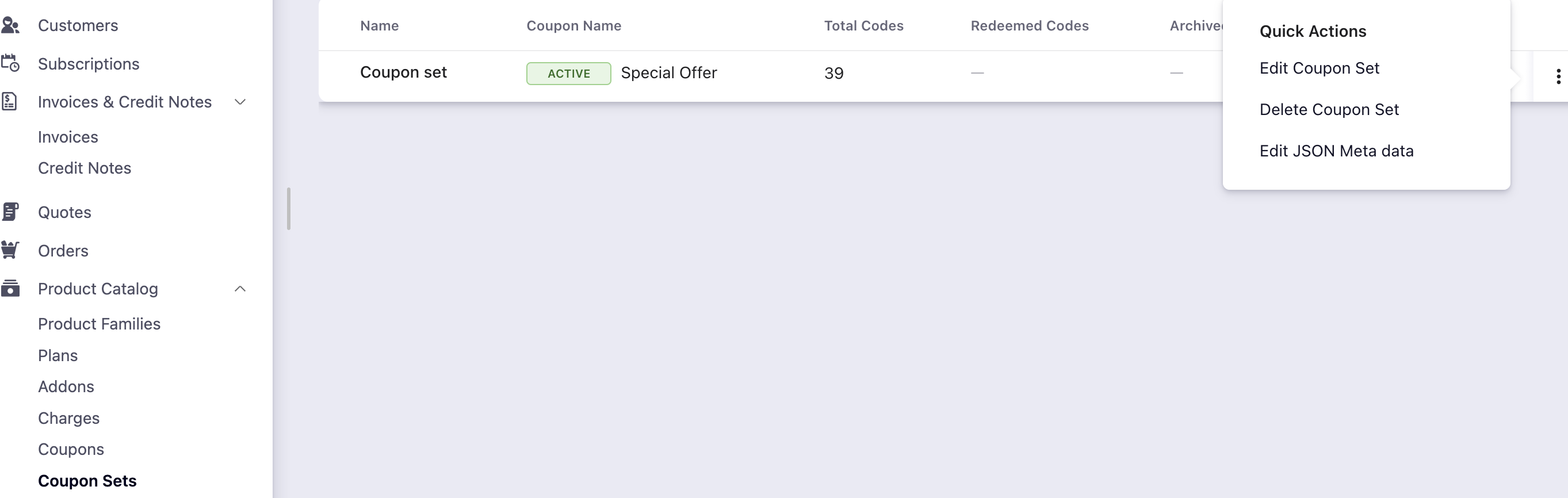
In Leap UI, Chargebee lets you open the list of relevant actions for an item with one click. Quick action is available on the ellipsis (⋯) on the right of each row on index pages for Customers, Subscriptions, Invoices, Transactions, Product Families, Plans, Addons, Charges, Coupons, and Coupon Codes. Click the ellipsis to see references (e.g. Show associated Customer) and quick actions (e.g. Edit, Request Payment Method).
Steps to Set It Up
Use the ellipsis on the right of the row on the relevant index page. Options vary by page:
Subscription index: Show associated Customer / Invoices / Transactions; Edit Subscription, Edit Customer, Request Payment Method, Add Credit Card, Add shipping address, Add Billing Info, Cancel Subscription.
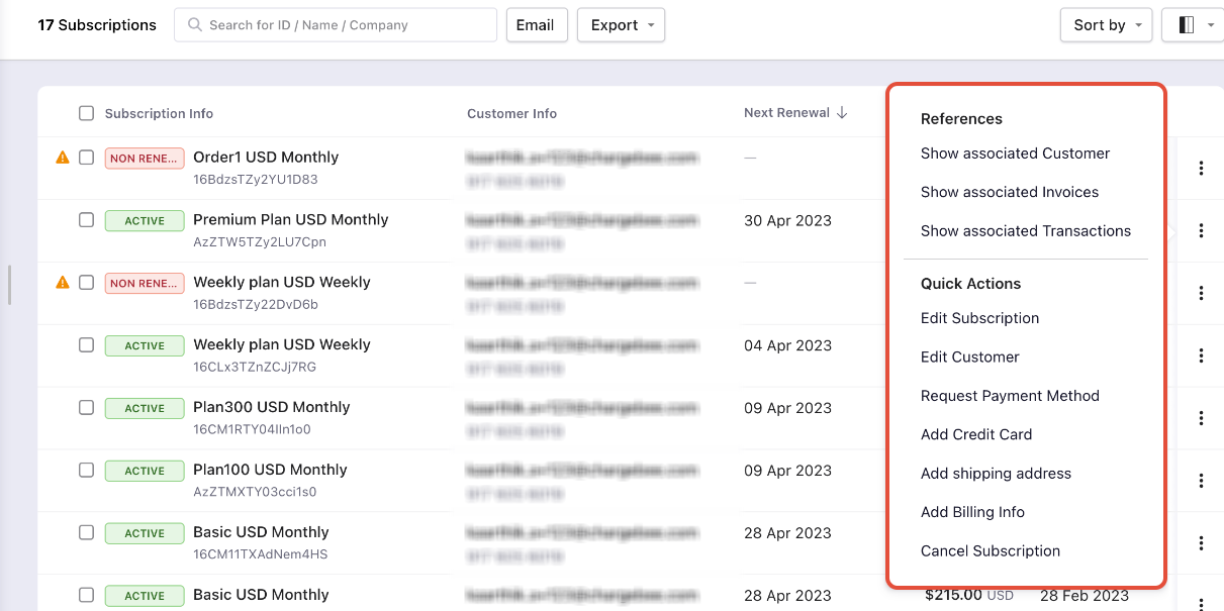
Customer index: Show associated Subscription / Invoices / Transactions / Orders; Edit Customer, Create New Subscription, Request Payment Method, Add Credit Card, Add Billing Info, Change auto collection, Delete Customer.
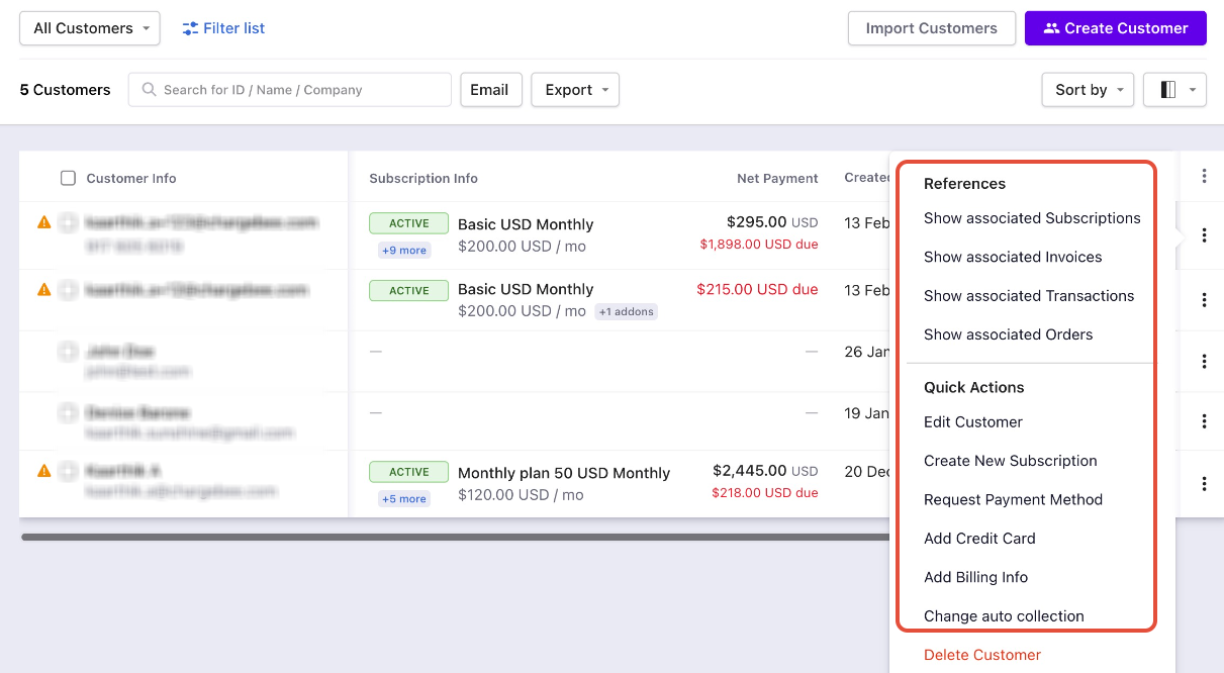
Invoice index: Show associated Customer / Subscription / Transactions; Send Email, PDF.
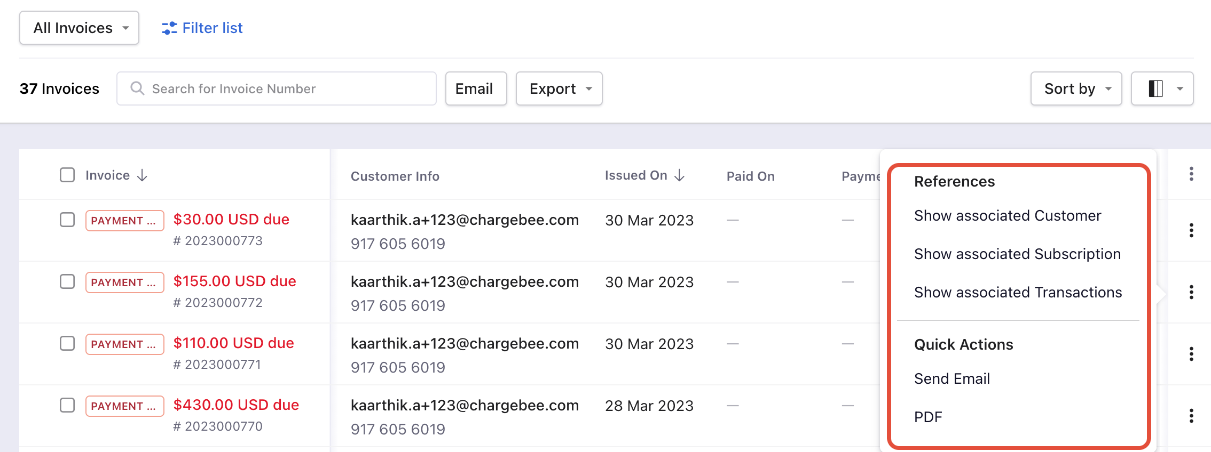
Credit Notes index: Show associated Customer / Subscription / Invoices / Transactions; Send Email, PDF.
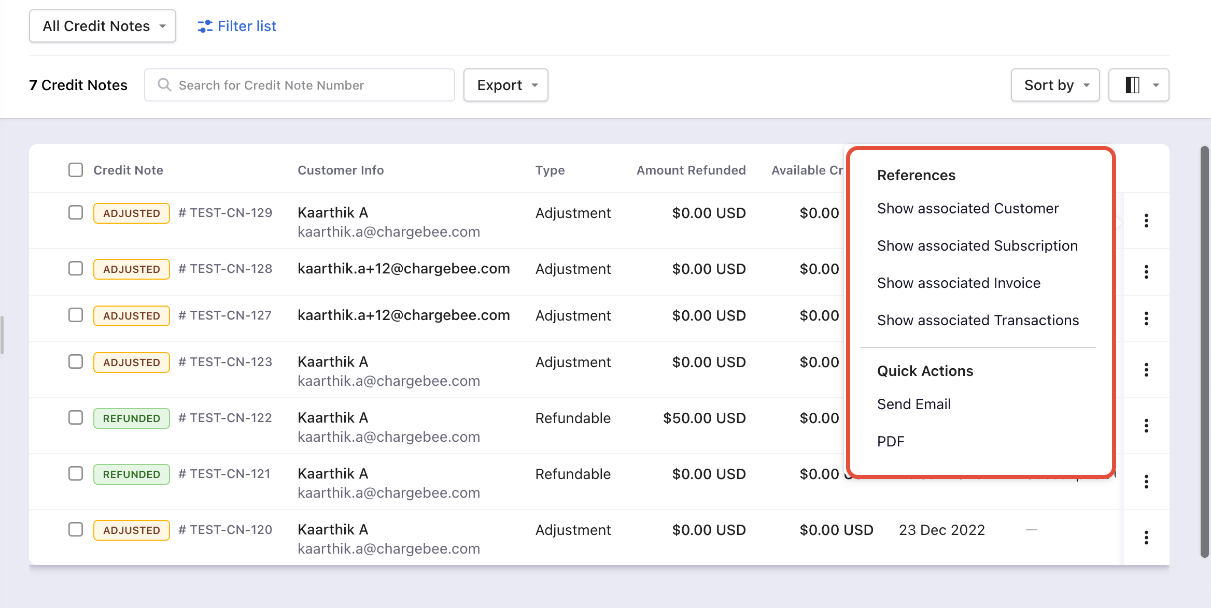
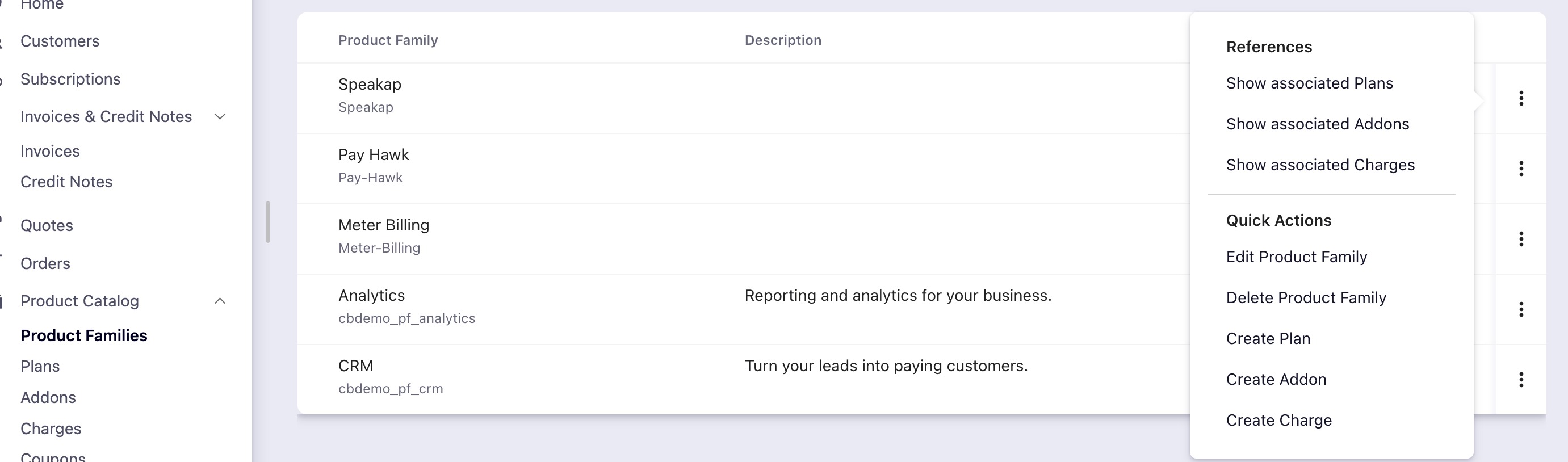
Product Family index: Show associated Plans / Addons / Charges; Edit Product Family, Delete Product Family, Create Plan, Create Addon, Create Charge.
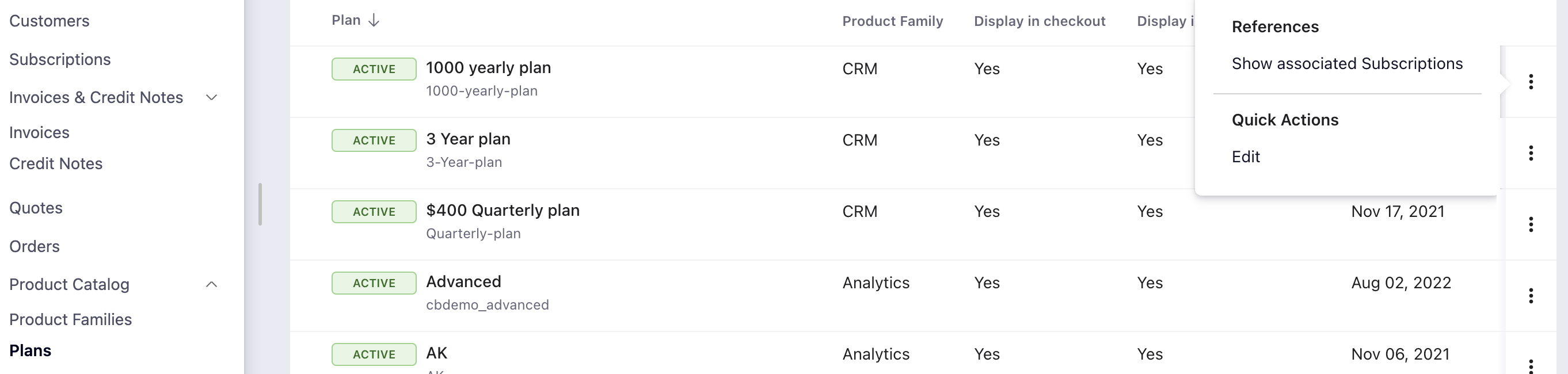
Plans index: Show associated Subscriptions; Edit.
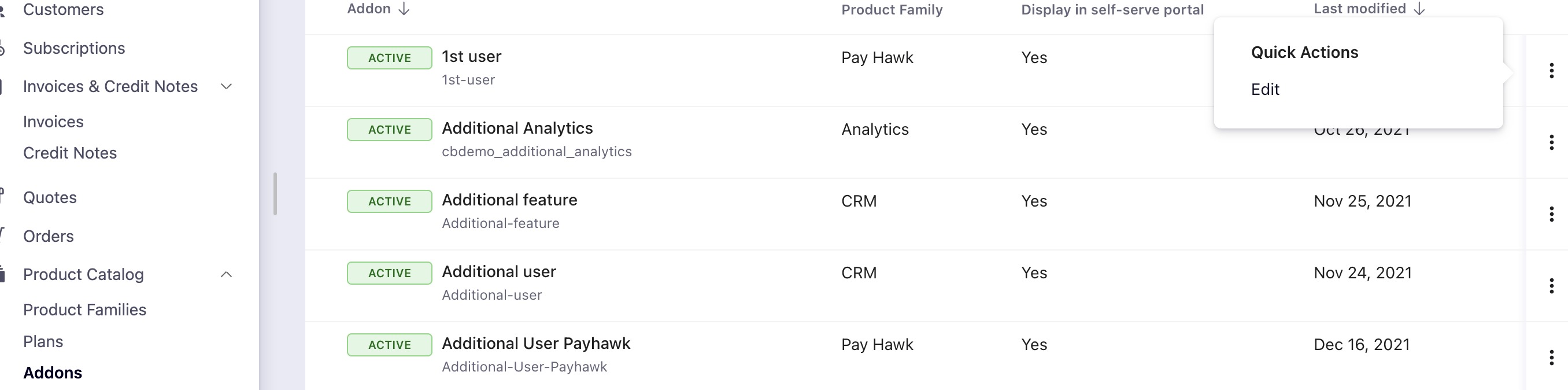
Addons index: Edit.
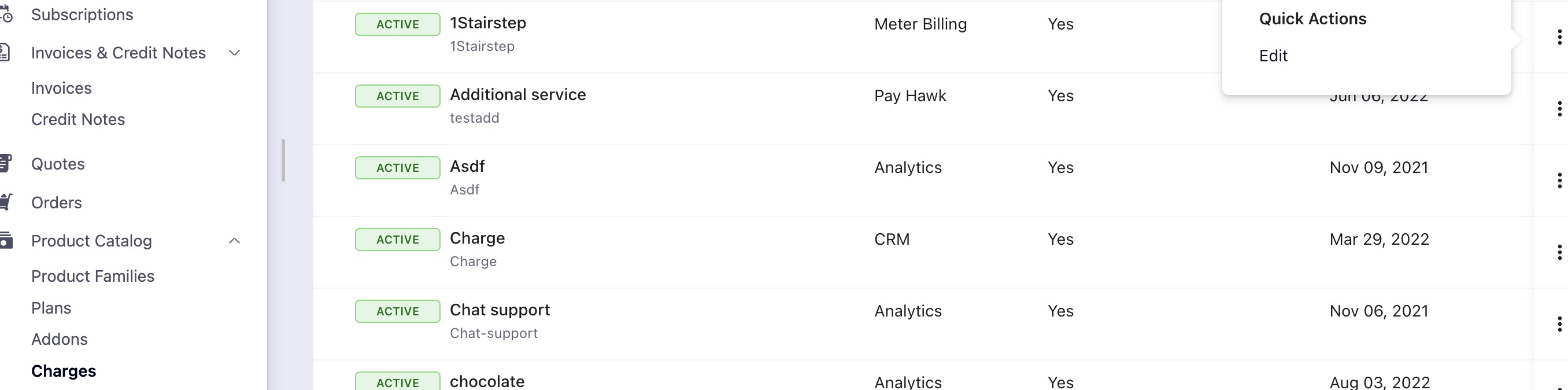
Charges index: Edit.
Coupons index: Show associated Subscriptions; Edit, Clone.
Coupon Codes index: Edit Coupon Set, Delete Coupon Set, Edit Json Meta data.
Was this article helpful?