Is metered billing site level or can I customize it for a few plans alone?
Problem Statement
This article explains how metered billing is configured in Latest Product Catalog — at the site level and per plan — and how to choose which plans are metered or non-metered.
Solution
The Metered Billing feature in Latest Product Catalog uses a site-wide setting under Configure Chargebee. Because Latest Product Catalog allows multiple plans across multiple product families, you can have both metered and non-metered plans. Once metered billing is enabled at the site level, you choose per plan whether it is metered or non-metered.
Steps to Set It Up
-
Enable metered billing at the site level
- Enable the Metered Billing option under Settings > Configure Chargebee.
-
Create plans as metered or non-metered
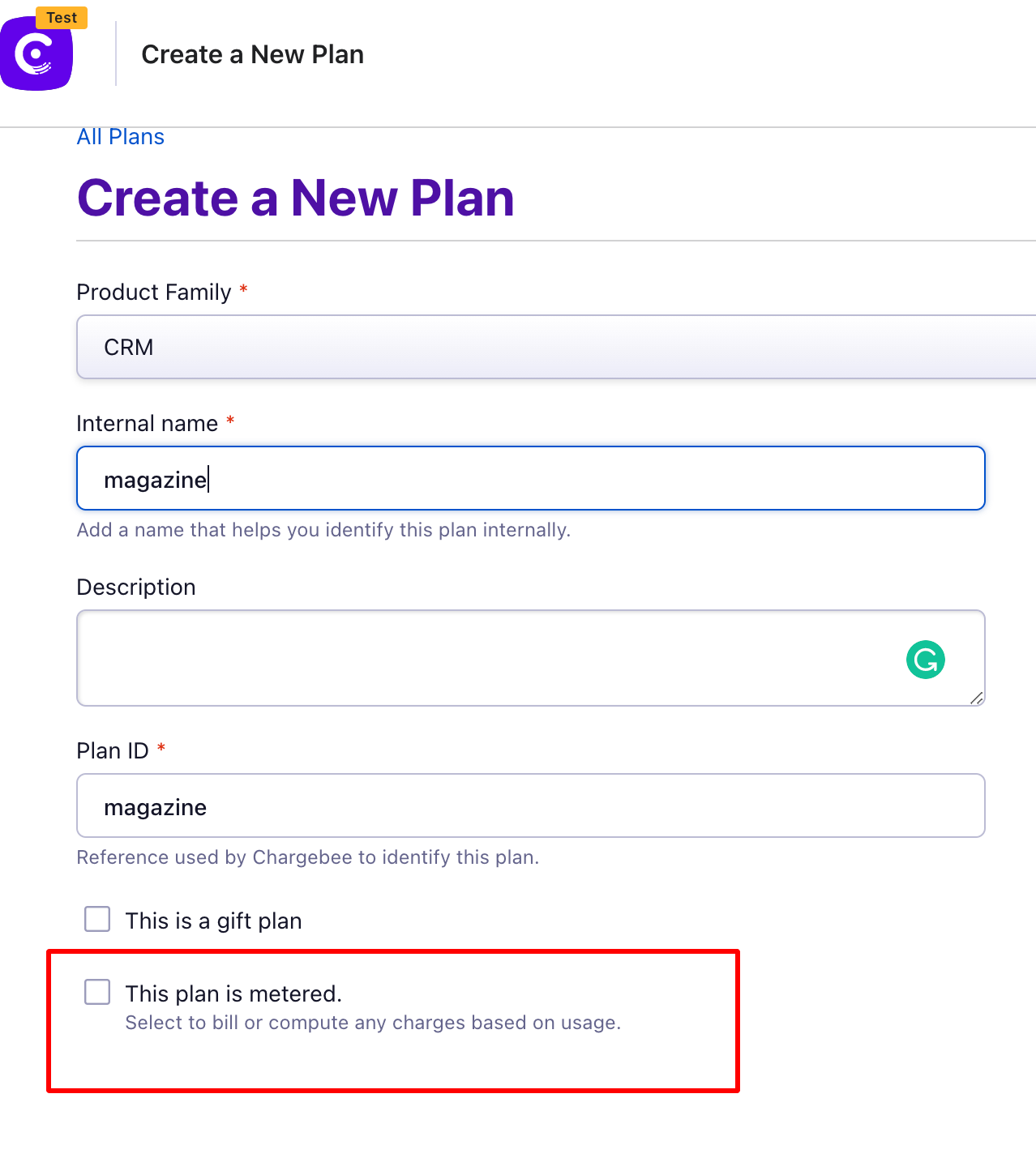
- When creating a new plan, you will see options to mark the plan as metered or non-metered.
- Check the metered option if the plan is metered; leave it blank if it is non-metered.
- Complete plan creation
- Enter all other plan details and click Create.
Important Notes
- Once a plan is created, the metered billing setting cannot be edited later.
Was this article helpful?