Prorated credits are not getting applied to imported subscriptions. What's causing this?
Problem Statement
I don't see the option to include prorated credit when canceling or changing imported subscriptions. Where does it appear?
Solution
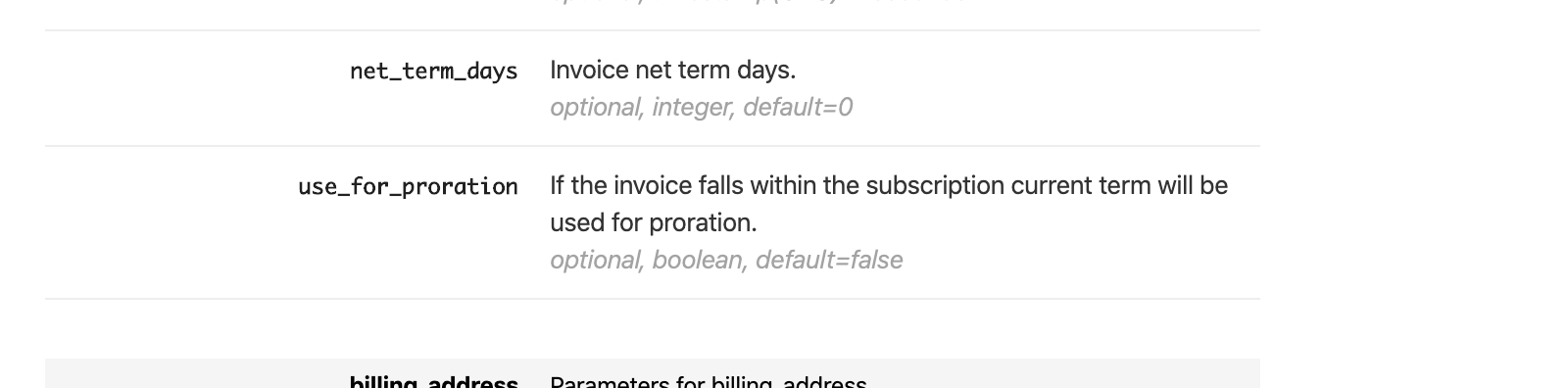
During import, set use_for_proration to True. If it is False or not set, proration will not be available when canceling or changing the subscription.
Note:
Proration applies only to invoices within the subscription's current term.
Steps to Set It Up
When importing subscriptions and invoices, set use_for_proration:
- true = Proration enabled for current term invoices
- false = Proration disabled

Important Notes
Note:
If invoices were imported with use_for_proration as false or unset, prorated credits must be calculated and applied manually. To fix this, delete the existing invoices and re-import them with use_for_proration set to true.
Note:
The use_for_proration parameter is available only in the Import invoices bulk operation and Import APIs.
Was this article helpful?