SMTP Configuration
Email notifications can be sent to your customers using either Chargebee's SMTP server or your own SMTP server. You can configure your SMTP server using traditional username/password authentication or the more secure OAuth authentication for Microsoft 365 and Google Workspace accounts.
When using Chargebee's SMTP server, email notifications are limited to:
- 50 per day for Test sites
- 2,000 per day for all plans in Live site This limit varies with different plans in Chargebee. Refer to Plans and Pricing for more details
The notification limit resets every day at midnight UTC. If you use your own SMTP server, these limits do not apply. You have full control over your emails and can check reports and deliverability. To configure the SMTP settings:
Navigate to Settings > Configure Chargebee > Email Notifications > Change Settings
Configuring Your Own SMTP Settings
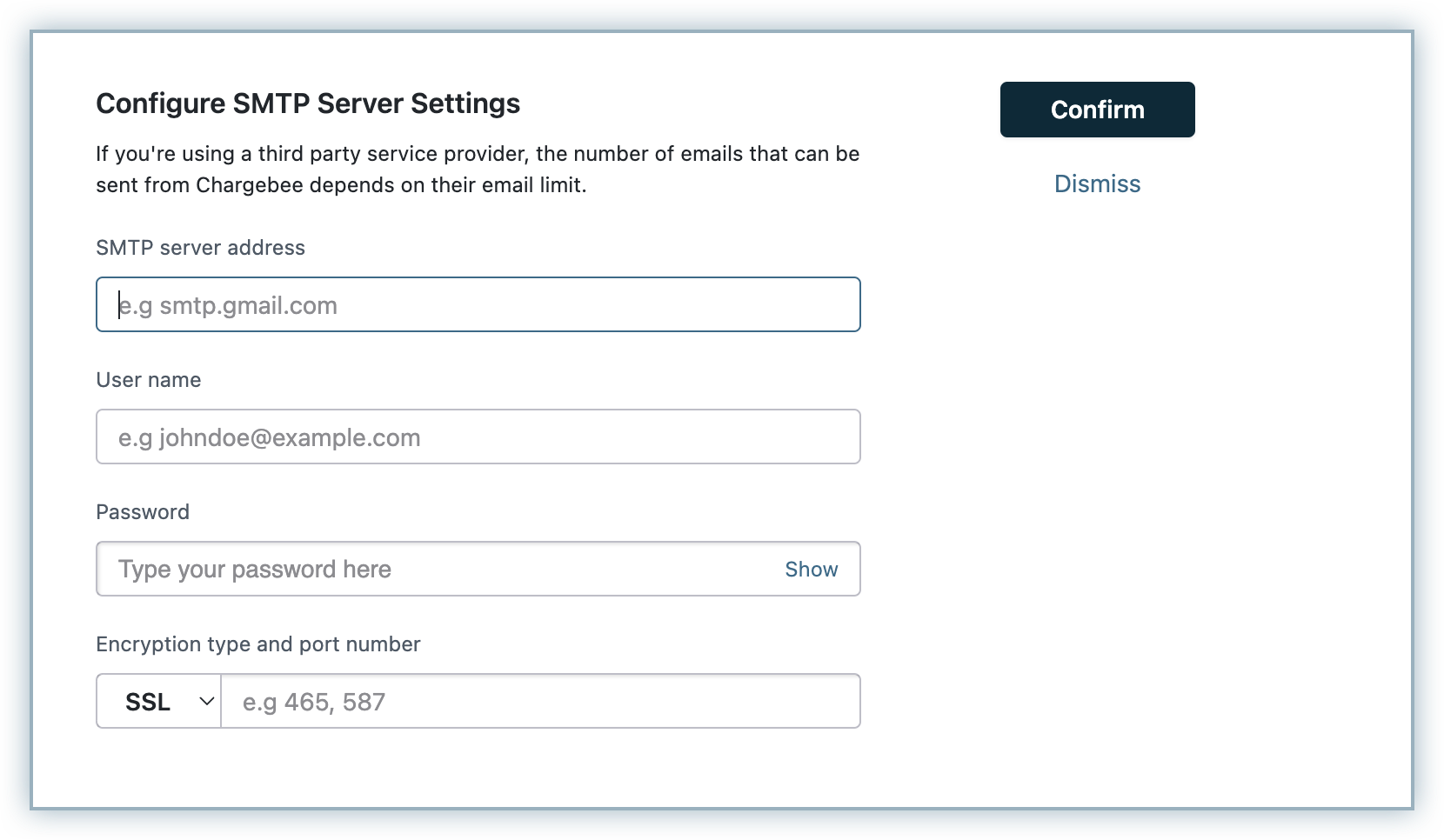
When you choose to use your own SMTP server, you can use your SMTP service provider's host name, username and password, encryption type, and port number. The email notification limit for your custom SMTP server is decided by your service provider.
Note:
- If you are configuring SendGrid as your custom SMTP, use "apikey" as the Username and your SendGrid API key as the Password.
- For secure email communication, it is recommended to use the following ports to connect with your custom SMTP (Simple Mail Transfer Protocol) servers:
- Recommended ports: 465, 587, 25, 2525, 80, and 8080.
- To use another port, please contact our solution team.
SMTP Information per Email provider:
- Chargebee will verify the credentials by sending a test email.
- The 'From Address' will be taken from the email notification settings.
- The 'To Address' will be the email address of the user who has logged in.
- If you are using an SMTP provider's Sandbox account, make sure you are a verified sender/receiver. SMTP providers check whether the email address is verified to avoid misuse.
- If your account has multi-factor authentication (MFA) enabled, such as in Gmail or Zoho Mail, you will need to create a custom app credential.
- Mail clients' SMTP accounts may override the 'From Address' you set in Chargebee with their own 'From Address.'
- For some email clients, such as Office 365, the username of the 'SMTP Settings' and the 'From Address' given in Chargebee should be the same for you to use the credentials in Chargebee.
Frequently Asked Questions (FAQs)
1. Why would I use my own SMTP server instead of Chargebee's? There are three primary reasons to use your own SMTP server:
- You can manage your SPF records and handle email bounces yourself.
- Notification limits used by Chargebee do not apply when using your own SMTP server.
- DMARC policies will not affect your email delivery. More on DMARC policies here.
2. Does Chargebee support OAuth for Office365 and Gmail SMTP connection? Yes! Chargebee supports OAuth authentication for both Microsoft 365 (Office 365) and Google Workspace (Gmail) accounts. OAuth provides enhanced security by using tokens instead of passwords, works seamlessly with MFA-enabled accounts, and automatically refreshes without manual intervention. Learn more about OAuth Authentication for SMTP.
3. How can I replace my legacy Gmail SMTP password with an app password? Follow these steps to replace your legacy Gmail SMTP password with an app password:
- Create an app password.
- Update the SMTP configuration of your Chargebee site and replace the legacy password with the app password.
Was this article helpful?