New in Chargebee: Explore Reveal and understand your payment performance end-to-end.Try Now
Docschargebee docs
HomeBillingCPQPaymentsRevRecGrowthReveal
Support

Getting Started


  • Overview
  • Installation Guide

Use Cases


  • Acquisition
  • Expansion

Plays


  • Overview
  • Managing Plays

Offers


  • In-app Offers
  • Pricing Tables

Experiences


  • Branding
  • Cancel Pages
  • Loss Aversion Cards
  • Survey Reasons
  • Redirect Pages

People


  • Managing Audiences

Reports & Analytics


  • Key Metrics Glossary
  • Dashboards & Trends
  • Cancel Insights
  • Offer Performance Report
  • Experience Performance Report
  • Lift Report
  • Displaying Revenue in Reports
  • Removing test sessions from Reports

Settings


  • Navigating the Settings page
  • Setting up a Custom Domain
  • Setting up Save & Cancel Return URLs
  • Activity Log and Error Reporting

Managing your Account


  • Growth Admin User Role
  • Managing your Team
  • Managing Teams to Control App Access

Integrations


  • Slack Integration
  • Salesforce Integration
  1. Growth
  2. Integrations
  3. Slack Integration
Chargebee Retention is now part of Chargebee Growth.New customers can find everything you need in Chargebee Growth documentation.Existing Chargebee Retention customers can continue to access the legacy Chargebee Retention documentationhere.
  1. Growth
  2. Integrations
  3. Slack Integration

Slack Integration

Slack brings all your team communications into one place, integrates with many of the services you use every day, and posts automatic updates in a channel to keep your whole team in the loop. Since combating churn is a team sport, the Slack integration is a great way to keep everyone informed about customers who reach your cancel experience.

The Slack integration lets you post events from Chargebee Growth—such as Cancels, Saves, and Deflects—to any channel you choose. We recommend creating a dedicated channel specifically for event logging. The following snapshot shows how it looks in action:
image
image

Install the Slack integration

You must be a Slack admin to install the integration. If you're not an admin, invite one to Chargebee Growth. To do this, see Managing your team in Chargebee Growth.

Once that's settled, the admin can connect Chargebee Growth to Slack:

  1. Create a #chargebee-growth channel in Slack.
  2. Go to the Chargebee Growth Admin page.
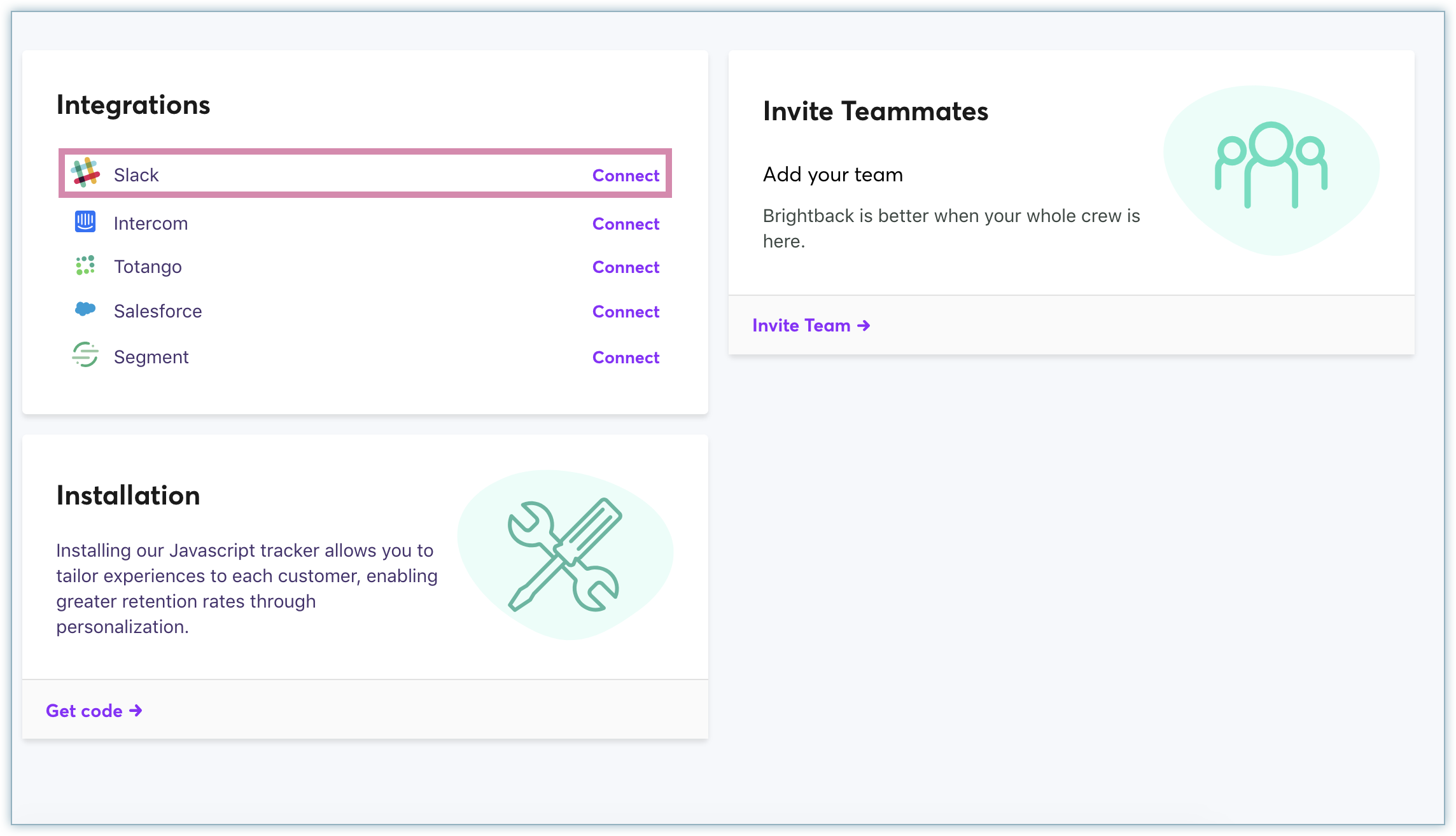
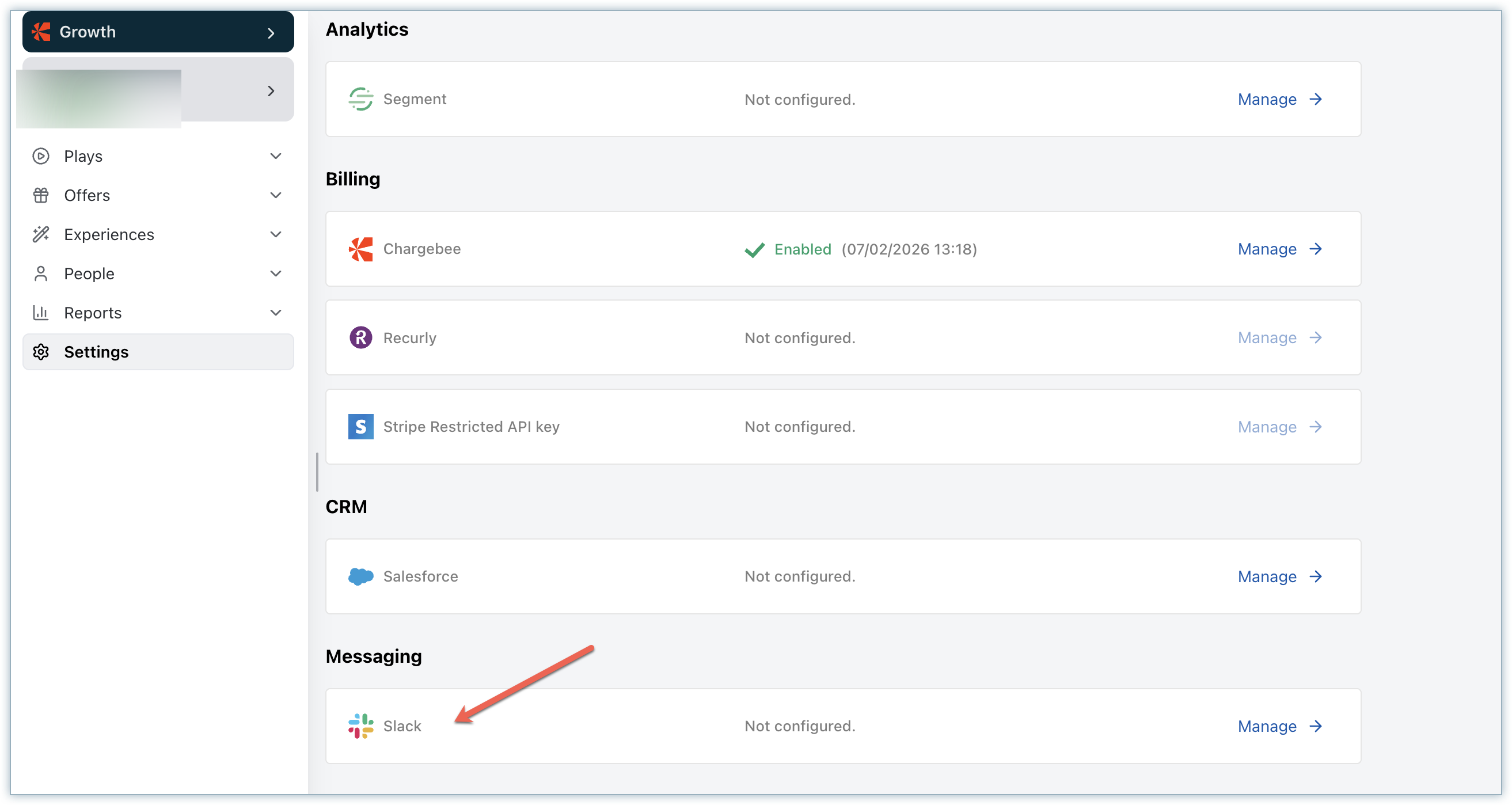
  3. Under Integrations, find Slack and click Connect.
  4. Slack redirects the admin to authorize the Chargebee Growth app.
  5. Select the #chargebee-growth channel.

Note

Chargebee Growth requests only one scope, the incoming webhook, which lets Chargebee Growth post alerts to the channels you define.

To learn more about the Slack definitions and to choose which alerts and notifications you receive, see the alerts and notifications section article.

Was this article helpful?