How to hide zero value line items from my customers?
Scope
Hiding zero-value line items from invoices
Summary
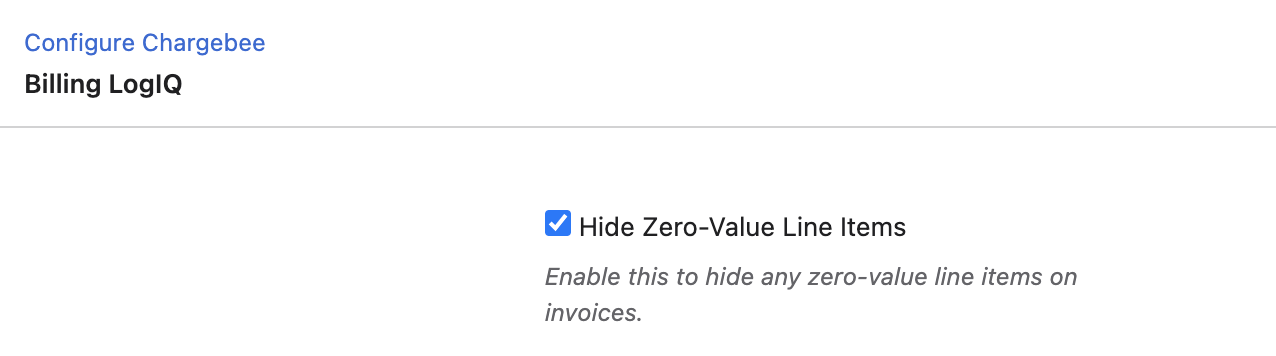
A zero-valued line item is a plan or an addon with the price set as 0. They are usually created to support use-case-based solutions such as a freemium plan or metered billing. Navigate to Settings > Configure Chargebee > Billing LogIQ and check the Hide Zero Value Line Items option.
Solution
You might have the need to hide these zero-valued line items from the invoices so as to avoid confusing your customers. For this, navigate to Settings > Configure Chargebee > Billing LogIQ and check the Hide Zero Value Line Items option. Once this is done, the zero-value line items will be hidden on the invoices.
Note:
If an invoice has only zero value line item(s), the invoice will not be generated
This feature is applicable only to zero-valued line items and not the net invoice amount. If an invoice has non-zero line items but the net value is zero(for example a plan of $5 and a coupon of $5), the invoice would be generated and all line items will be shown
If you have any further questions regarding this, please feel free to reach out to support@chargebee.com.
Was this article helpful?