Xero - Website must be valid.
You may receive this error for customers. In such a case, Chargebee's customer would already be mapped to Xero's customer; however, the update from Chargebee to Xero would fail.
Resolution Steps:
-
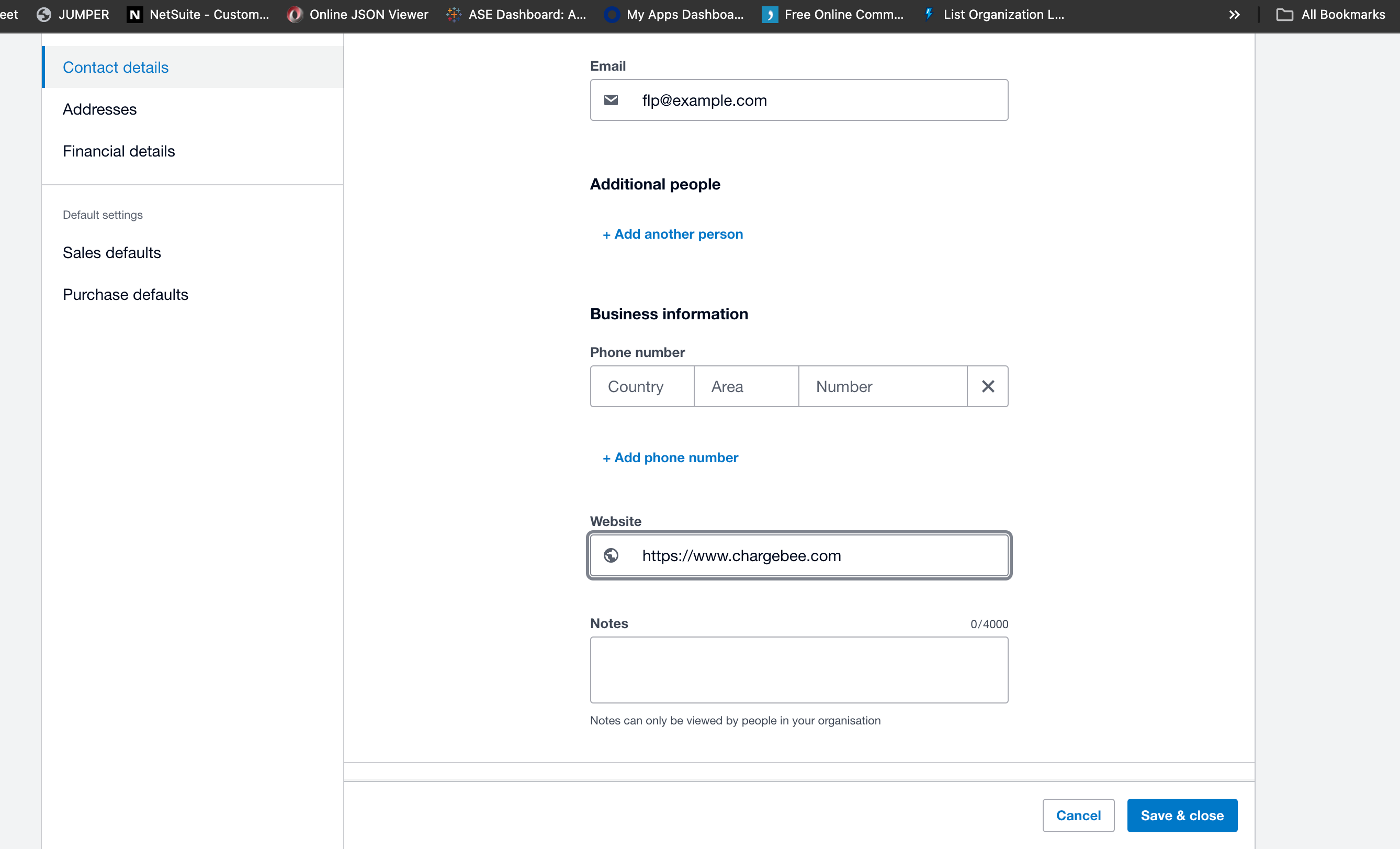
Check Xero's Customer Details: Verify the customer details in Xero's system and check the website field to ensure the value entered is a valid and properly formatted URL.
-
Correct Website Field: If the website field contains an invalid URL, update it with the correct URL.
-
Run Sync Again: After correcting the website field, reinitiate the sync.
Additional Resources
Refer to this link for more details.
Articles & FAQs
Show more
Was this article helpful?