How can I change my Chargebee account password?
Problem Statement
This article explains how to change your Chargebee account password or reset it if you forgot it.
Solution
Change password (when you know the current one): Click your account name (bottom left), then Edit Profile. Open Change Password, enter the current and new passwords, and save.
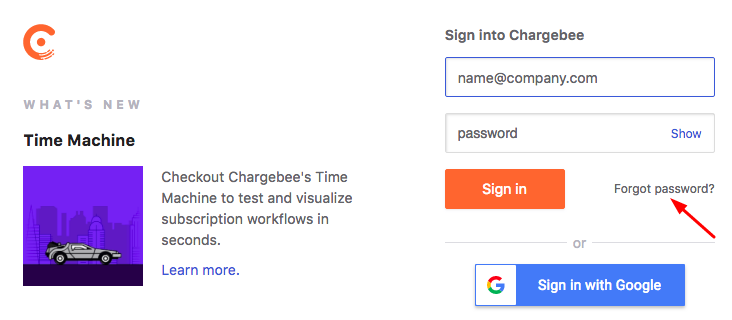
Forgot password: On the Chargebee Sign In page, use Forgot Password. Enter the email for your account; you will receive an email to reset your password.
Was this article helpful?