How to create a second test site with Chargebee?
Problem Statement
This article explains how to create an additional Chargebee test site when you already have one or more sites.
Solution
Create a new test site by signing up again with an email that is not already linked to a Chargebee site.
Steps to Set It Up
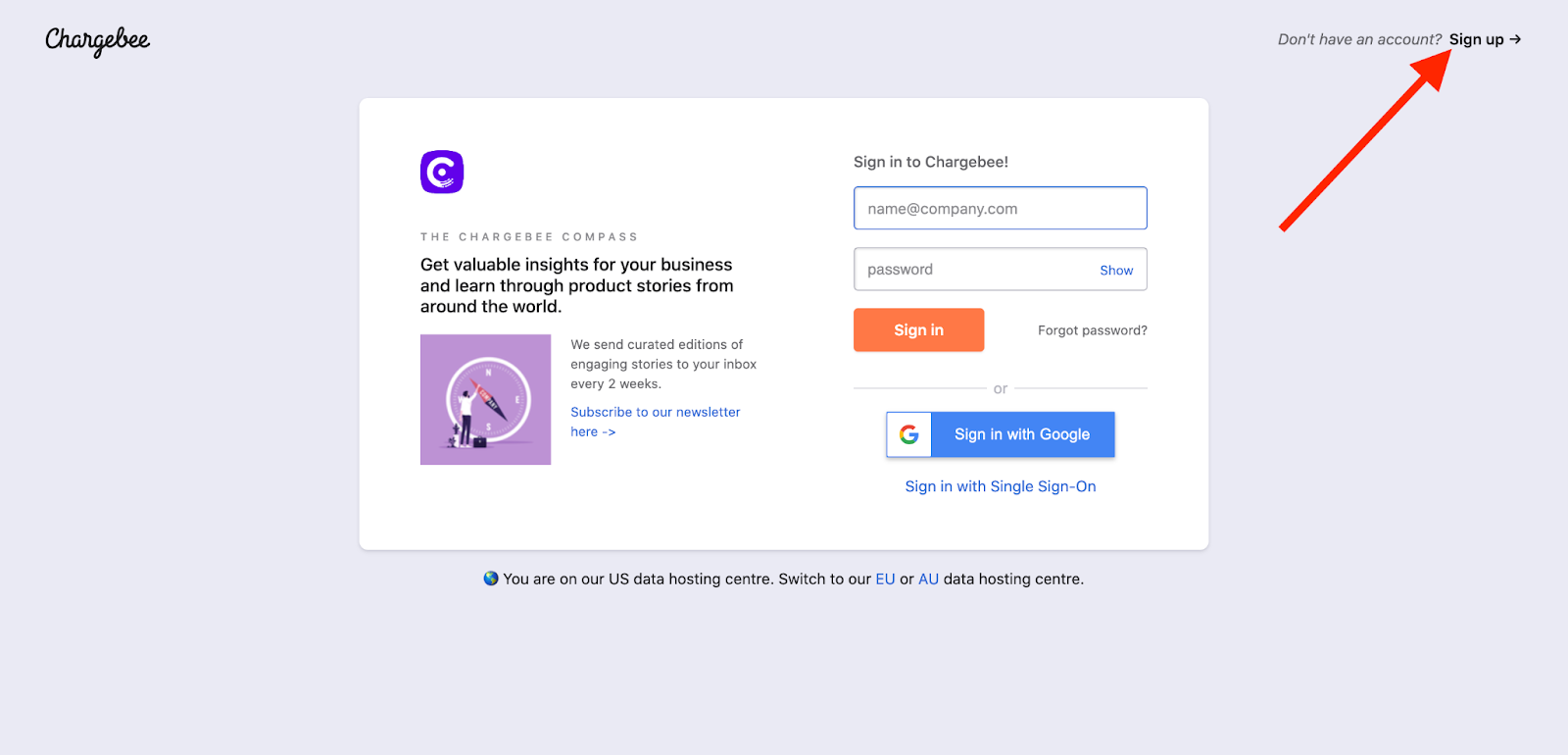
- Go to app.chargebee.com and click SIGN UP.
- Use an email that is not already associated with a Chargebee site.
- If you do not have another email, you can use the plus-sign trick: for example, if your current site uses sam@gmail.com, use sam+100@gmail.com for the new site. Verification still goes to the same inbox (for example, sam@gmail.com).
Invite the existing user to the new site: After the new test site is set up and verified, go to Setup > Team members > Invite member, invite the desired user to the new site, then you can change site ownership to that user if needed. See Can the Chargebee account ownership email be changed? for details.
To merge the new site with your existing Chargebee subscription, contact your Customer Success Manager (if you have one) or Chargebee Support.
Was this article helpful?