I created a second account with Chargebee accidentally – how do I delete it?
Problem Statement
This article explains how to remove or cancel a Chargebee account you created by mistake, including unclaimed or duplicate accounts.
Related Scenarios
- Can I have multiple Chargebee accounts? (Yes; this article covers canceling one of them.)
Solution
You can have more than one Chargebee site. To remove one, submit a cancellation request. Chargebee is GDPR compliant; account data is deleted within 90 days of cancellation.
Note
To delete or cancel your account, contact Chargebee Support.
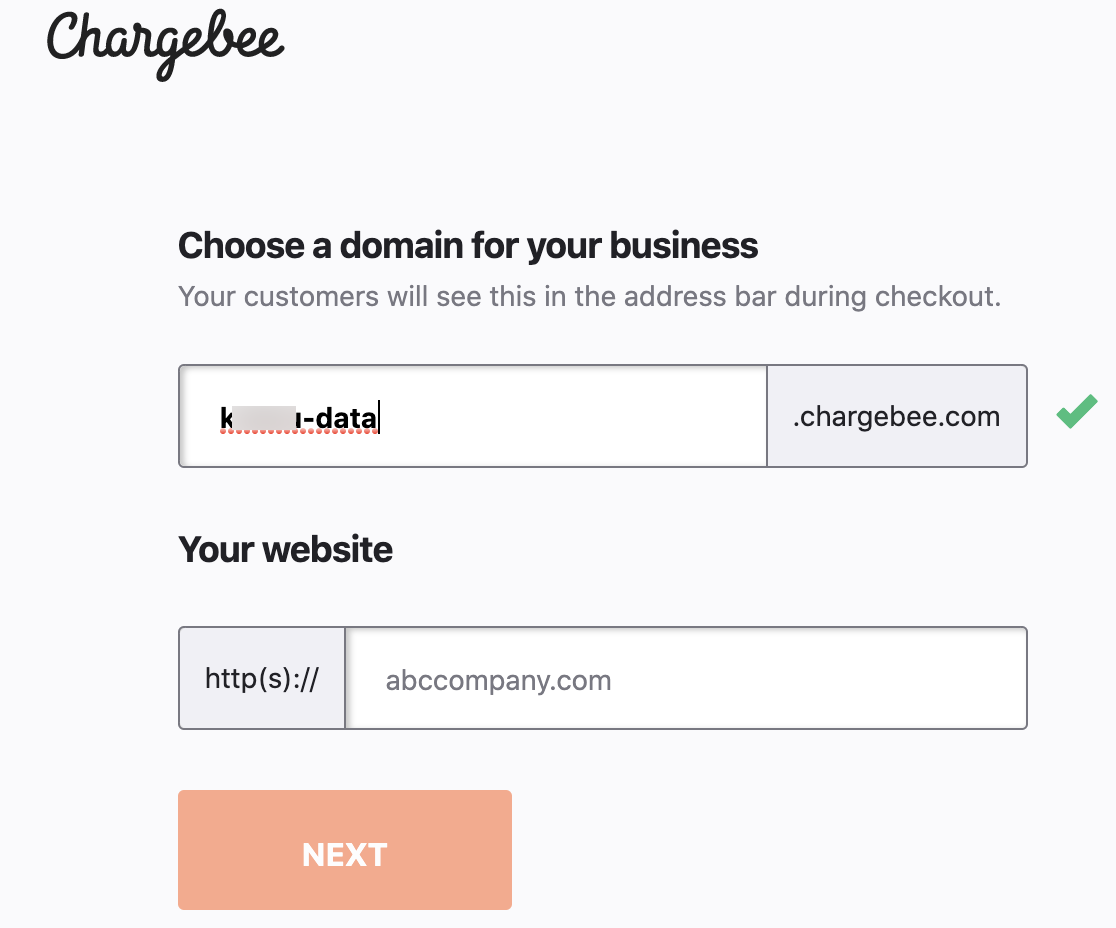
If the site is unclaimed or setup is not complete, you must complete account setup first (for example, with a dummy site name and password). You cannot cancel an account until setup is complete. See Unable to accept invite due to unclaimed site for the claim flow.
If you created a second account by mistake as a merchant or team member, complete account setup with a dummy site name; the account will cancel at the end of the 14-day trial.
Was this article helpful?