How can I update my information (billing/account/payment) with Chargebee?
Problem Statement
This article explains how to update your billing, account, or payment details when you are on an active Chargebee plan.
Solution
Steps to Set It Up
- Log in to your Chargebee Live site.
- Click the ... next to your account name (bottom left).
- Click the block that shows your profile.
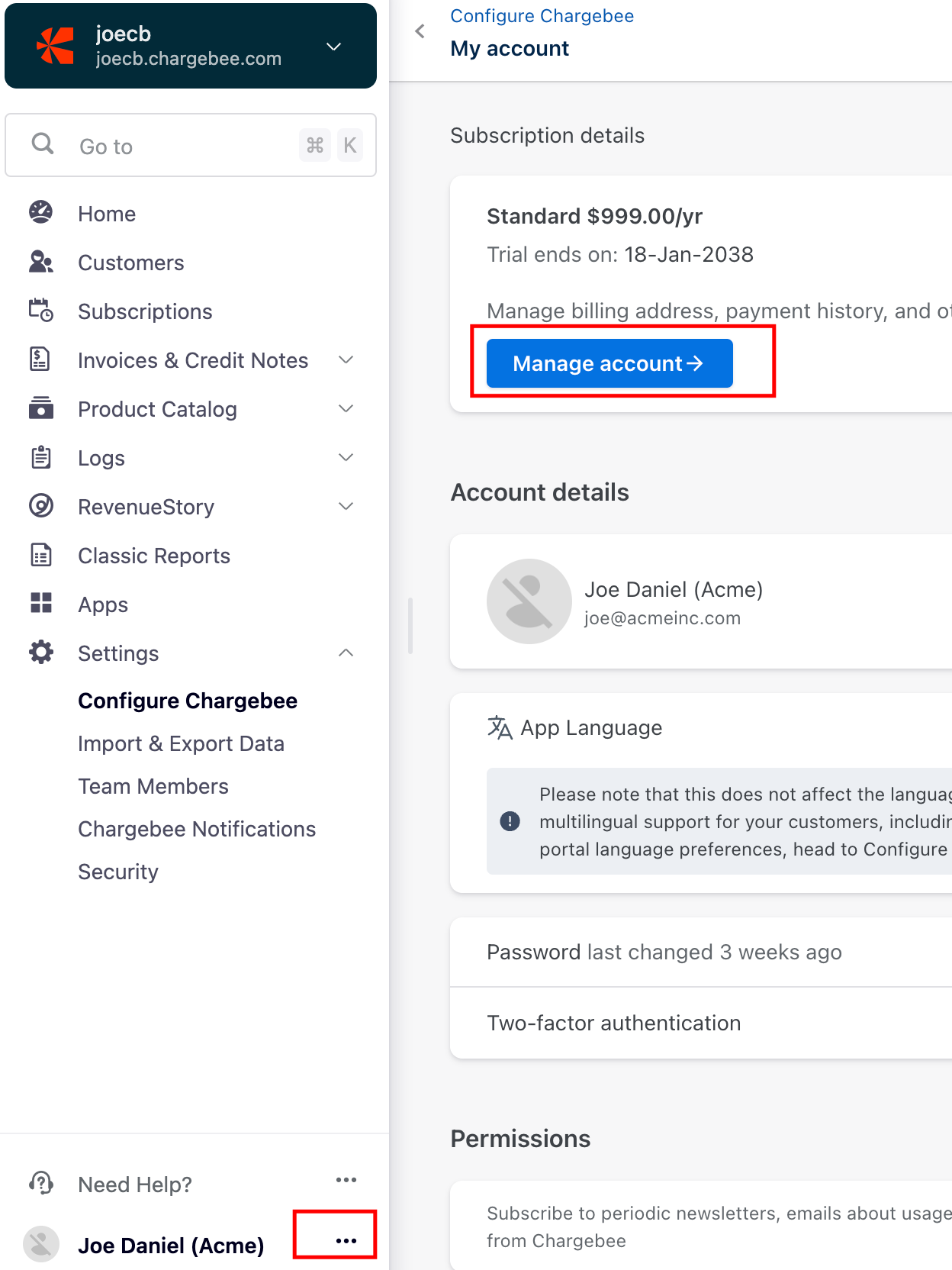
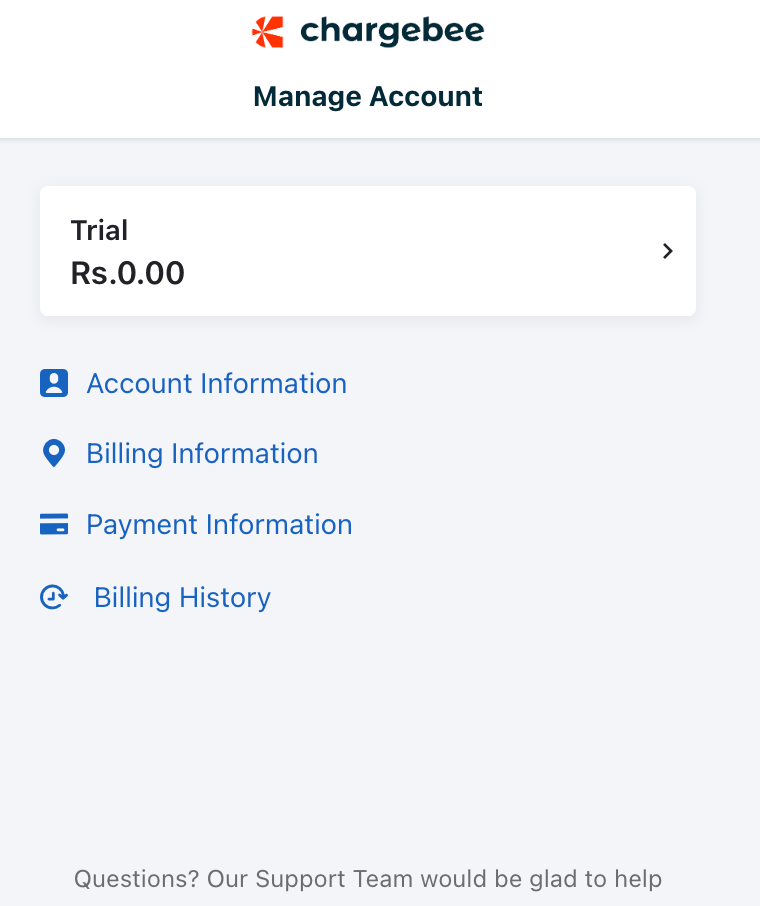
- You are on the My Account page. Click Manage Account to update billing, account, or payment information.
Was this article helpful?