Plan level tracking categories in Xero
Scope
How can I add a plan-level tracking category to Plans in Chargebee?
Solution If you have the following tracking category in Xero, with the name- CF1 Test and options as Cat 1, Cat 2, etc.
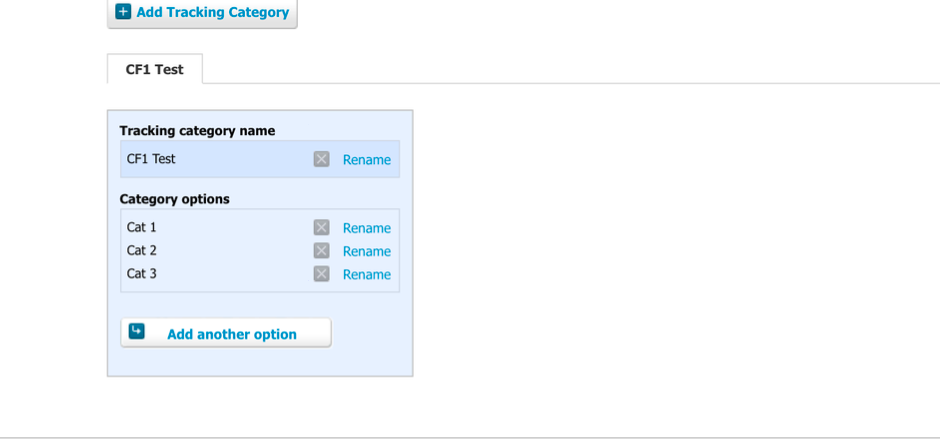
Then in Chargebee, if you want to send Cat 1 as the value for the plan, the Chargebee field configured should contain the tracking value in this format: CF1 Test: Cat 1.
If the above format is not followed, then we would receive the error message - The Tracking Category > Category value > entered for this credit note plan/addon is invalid- which will prevent plans, invoices, and Credit Notes from syncing to Xero.
The tracking category has to be added in the field below:
For your site, the value for the field has to be added at the price point level. Refer to this link for more information.

Related Articles
Show more
Was this article helpful?