Create a subscription that starts on a future date
Problem Statement
This article helps you understand create a subscription that starts on a future date.
Solution
Summary
This article explains how to create a subscription with a start date in the future so the first billing and term begin on that date.
Legacy Product Catalog
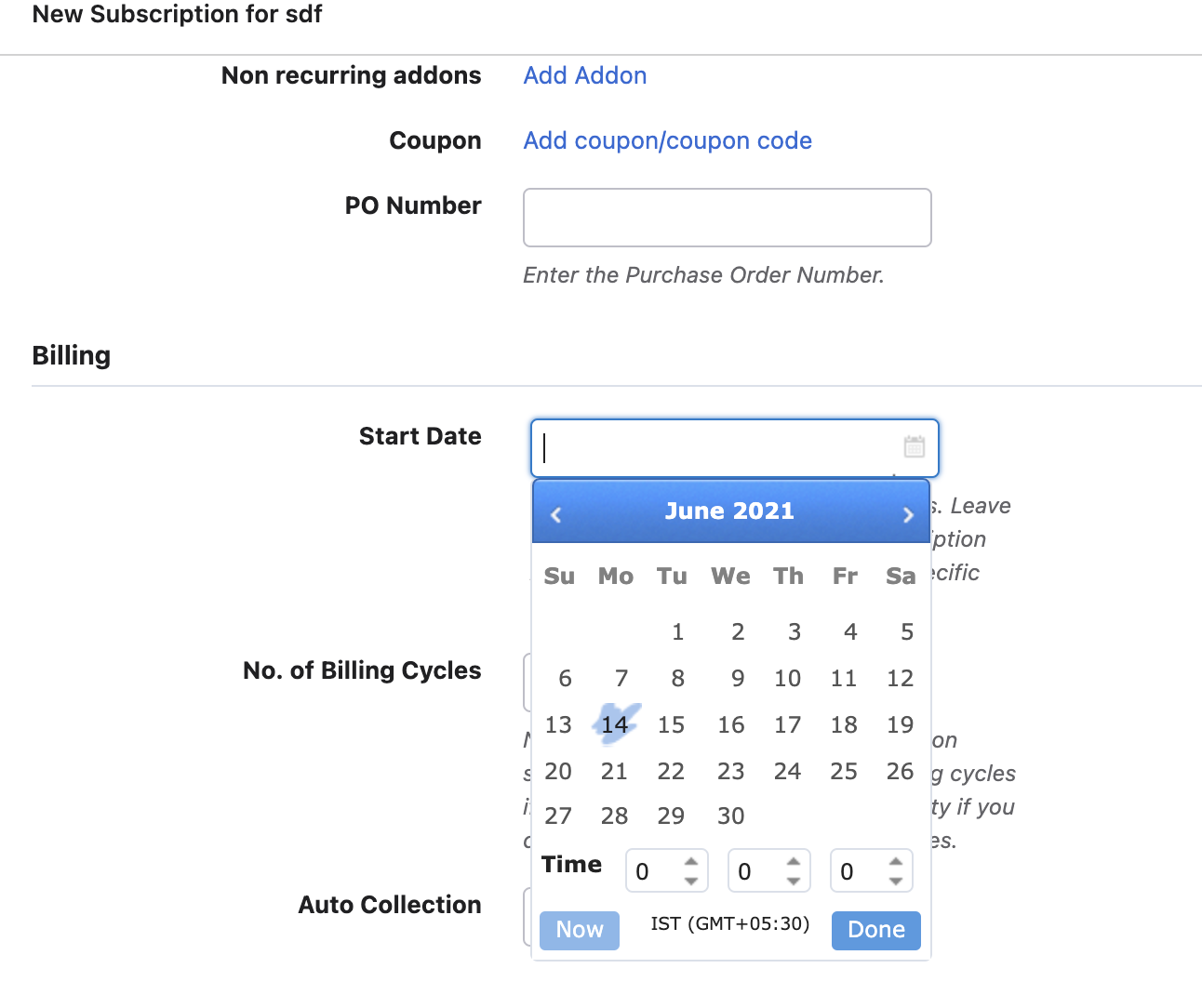
Set the subscription start date to a future date during creation. The subscription is created with that start date and will bill from that date.
Configuration steps
- Go to create a subscription (e.g. Customer details > Create Subscription or equivalent flow).
- Add the plan and set pricing.
- In Billing info (or equivalent section), set Start date to the desired future date.
- Complete and create the subscription.
Legacy Product Catalog:
Latest Product Catalog:
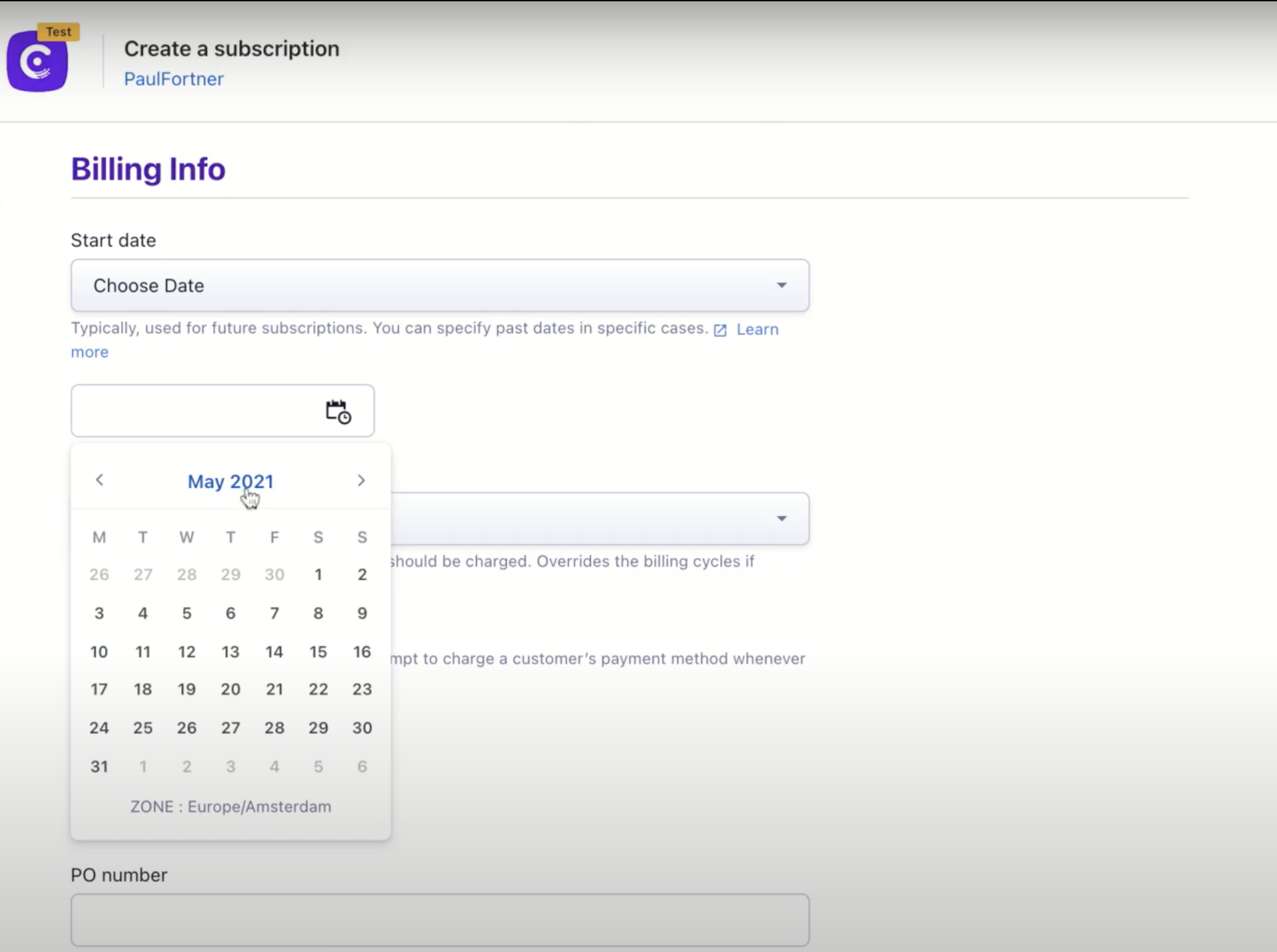
The subscription will start and generate invoices according to the future start date you set.
Was this article helpful?