How to create Checkout URL if plan/addon ID contains "+" sign?
Problem Statement
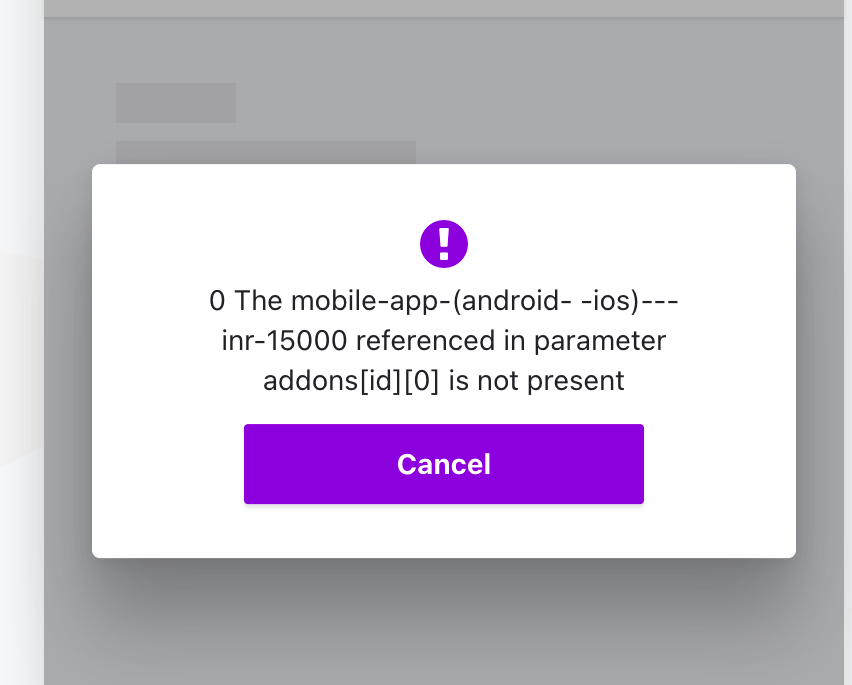
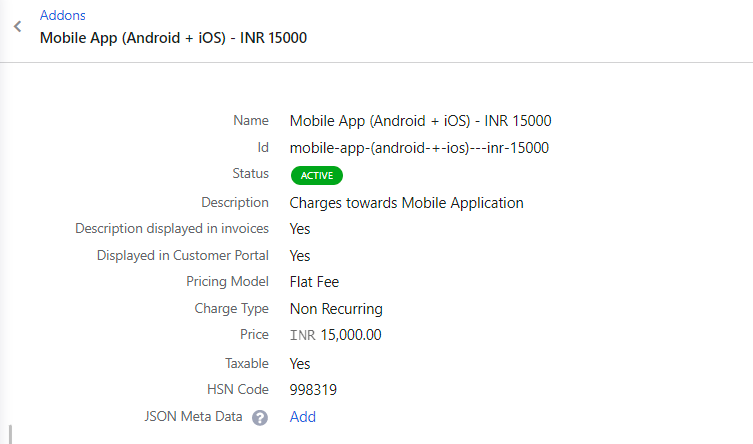
My addon ID includes a "+" sign and the Checkout URL throws an error even though the addon exists. Why?
Solution
The "+" character has special meaning in URLs and must be replaced with %2B (URL-encoded form). See URL encoding.
Steps to Set It Up
In any Checkout URL where the plan or addon ID contains a "+" sign, replace + with %2B.
Example: If your addon ID is addon+id and the URL is:
https://yoursite.chargebee.com/pages/plans/checkout?addon_ids=addon+id
Change it to:
https://yoursite.chargebee.com/pages/plans/checkout?addon_ids=addon%2Bid

Was this article helpful?