You are viewing:
Product Catalog 2.0
Latest
Error: Uploaded image is scrambled
This article covers
How to fix the error: uploaded image is scrambled?
Solution
Sometimes you may get this error while uploading a Logo, Icon or Favicon
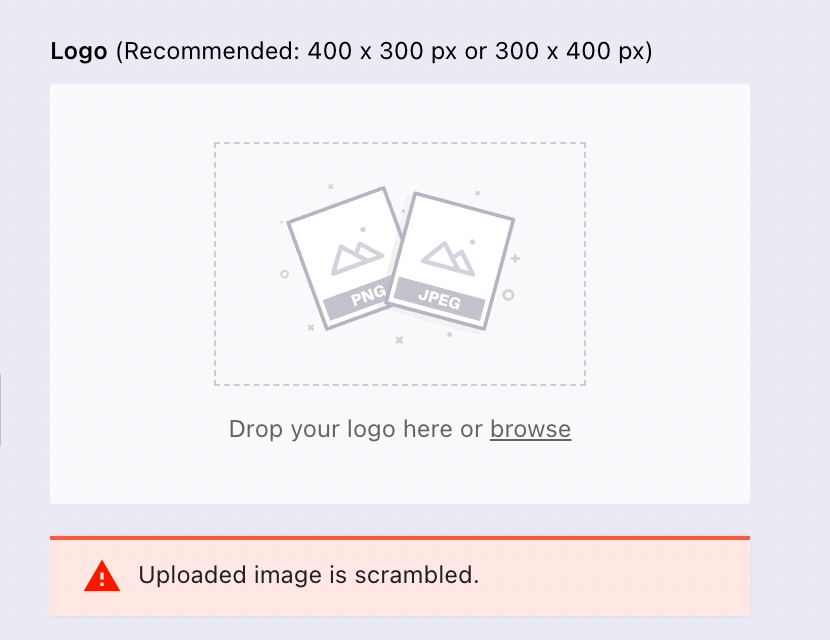
The reason for this error is that the file size is not resized properly to the suggested pixels. Please make sure the images are within the recommended pixel sizes:
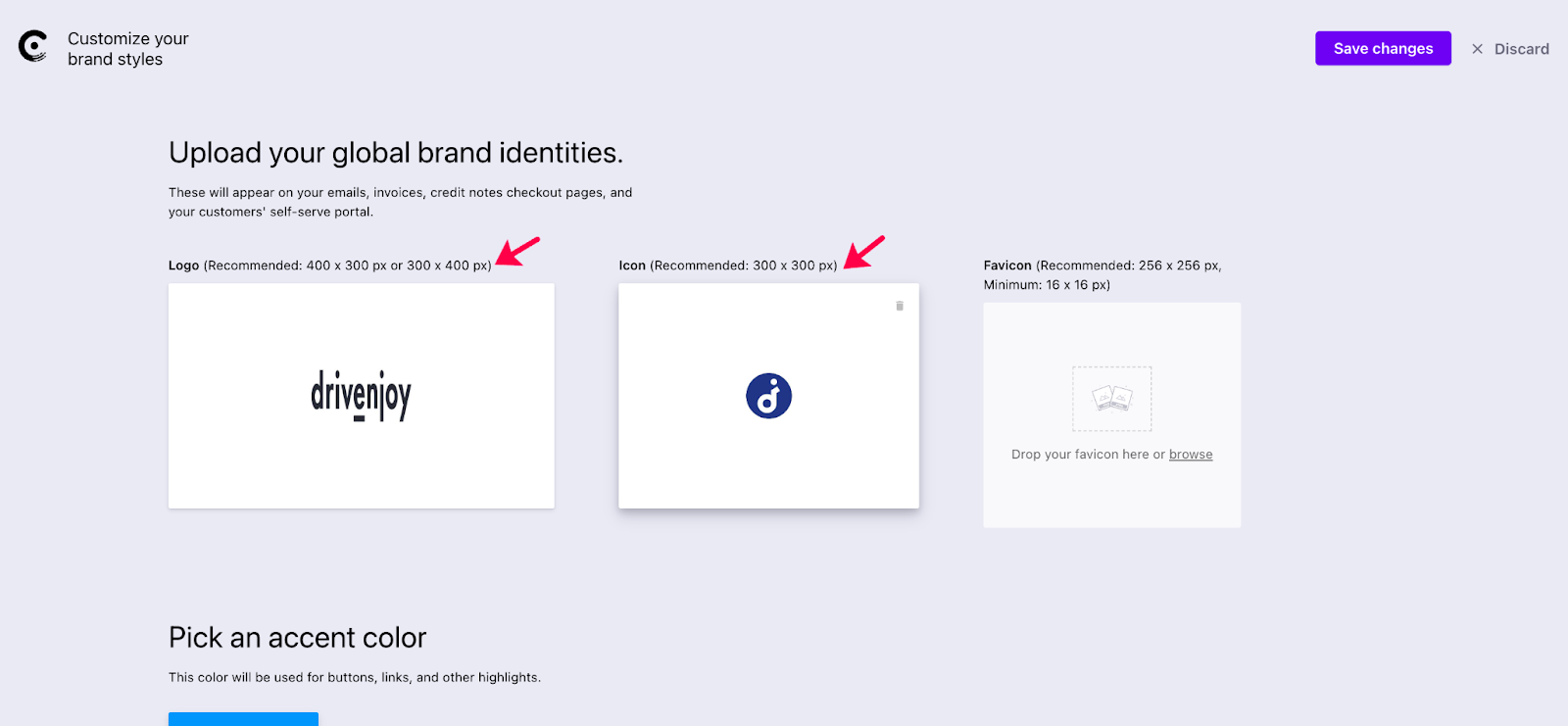
Logo - Recommended: 400 x 300 px or 300 x 400 px
Icon - Recommended: 300 x 300 px
Favicon - Recommended: 256 x 256 px, Minimum: 16 x 16 px
Was this article helpful?