Why is my plan/addon description not seen in invoices?
Problem Statement
How do I show the addon description on invoices after updating the price item description? Invoices generated before the update don't show the new description.
Solution
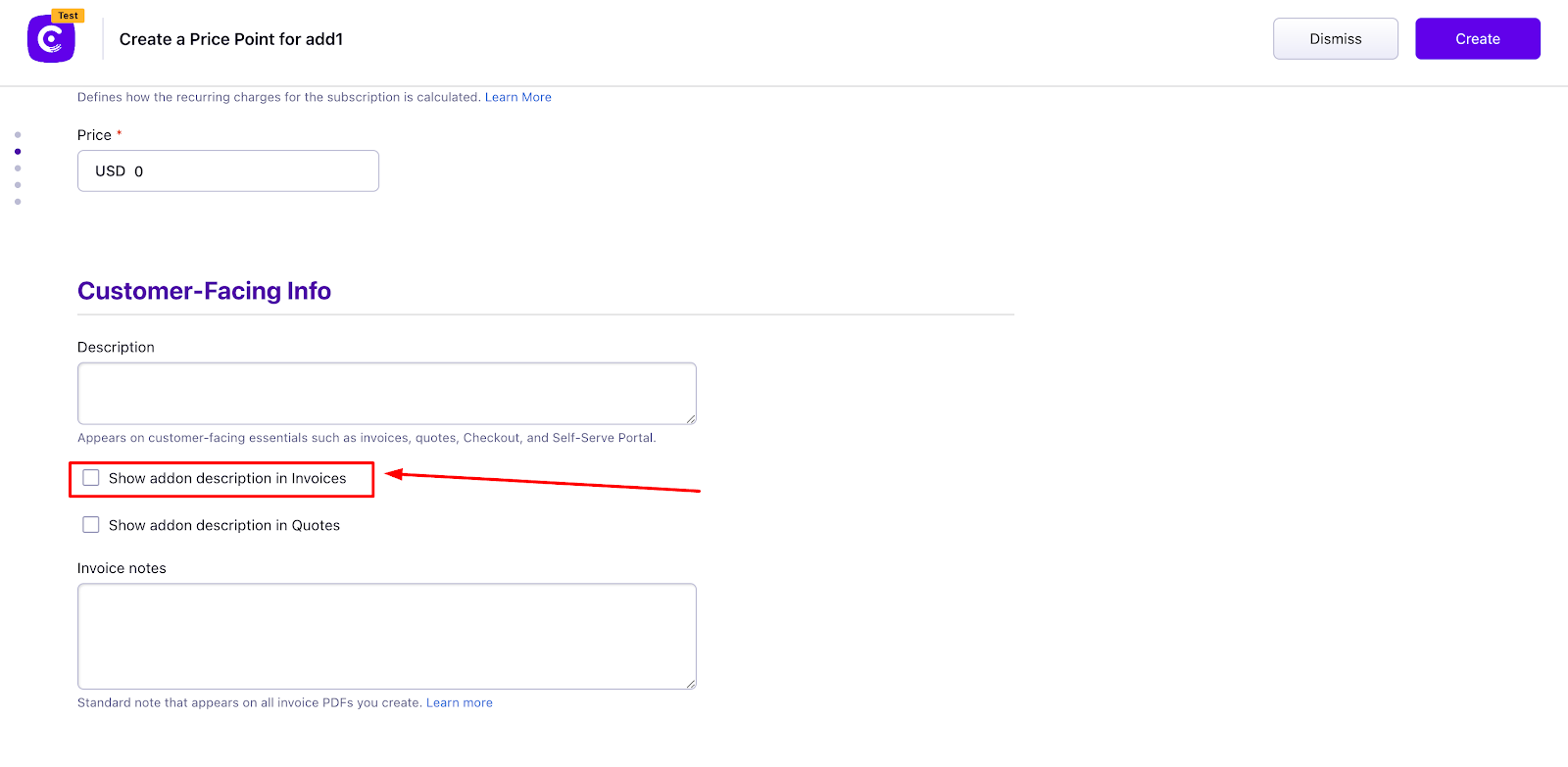
You must enable Show Plan/Addon description in Invoices for each plan and addon. Even if a description is set, it will not appear on invoices until this option is turned on.
Steps to Set It Up
Via UI
- Go to Product Catalog > Plans or Addons > select the item > edit each price point
- Enable Show Plan/Addon description in Invoices
- Click Apply Changes
Via Bulk Operation
- Go to Settings > Import & Export Data > Choose a bulk operation > Item prices > Update Item prices > Proceed
- Download the sample CSV
- Set
item_price[show_description_in_invoices]to the desired value (see Update an item price API) - Upload the CSV
Note
This applies only to upcoming invoices. Existing invoices are not updated.
Was this article helpful?