I am not able to change the price of an existing subscription
Problem Statement
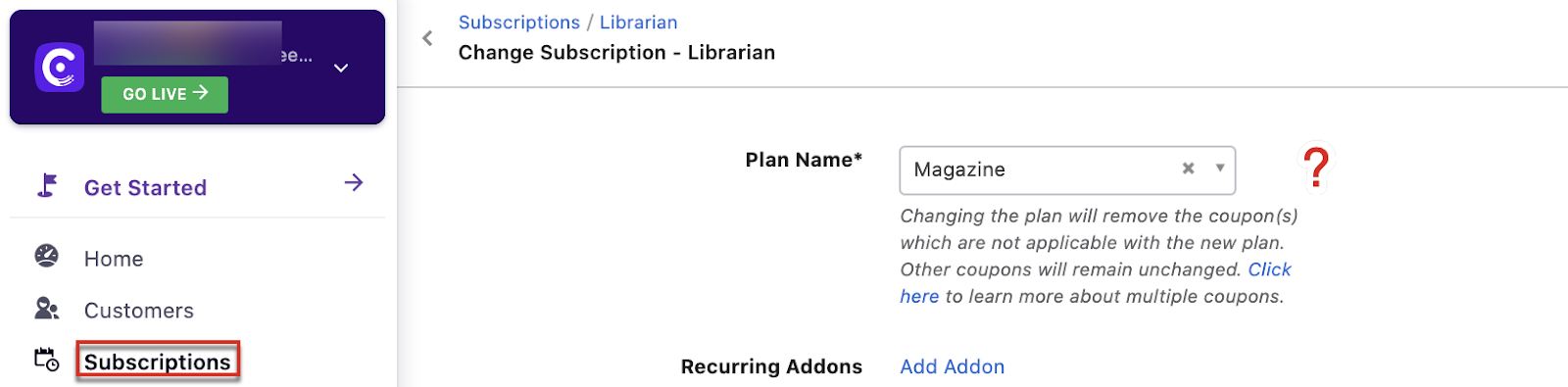
You need to update the price in a subscription but the edit pricing option is not visible under Change subscription.
Solution
Use the Price Override feature for customer-specific pricing. If the edit pricing option is missing, enable Allow Price Override in Billing LogIQ.
Steps to Set It Up
- Go to Settings > Configure Chargebee > Billing LogIQ.
- Enable Allow Price Override.
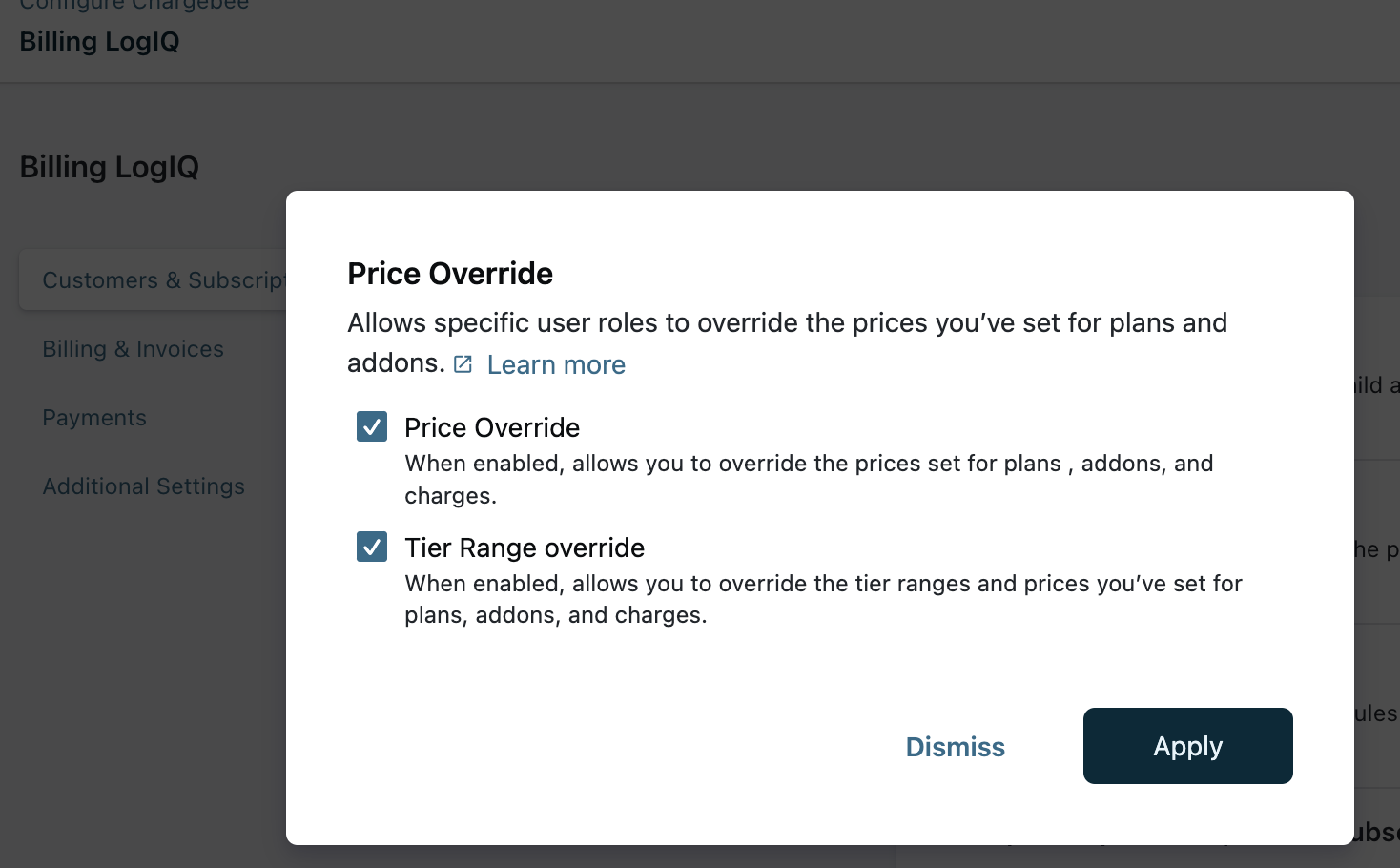
- Optionally enable Tier Range Override (beta; contact support to enable).
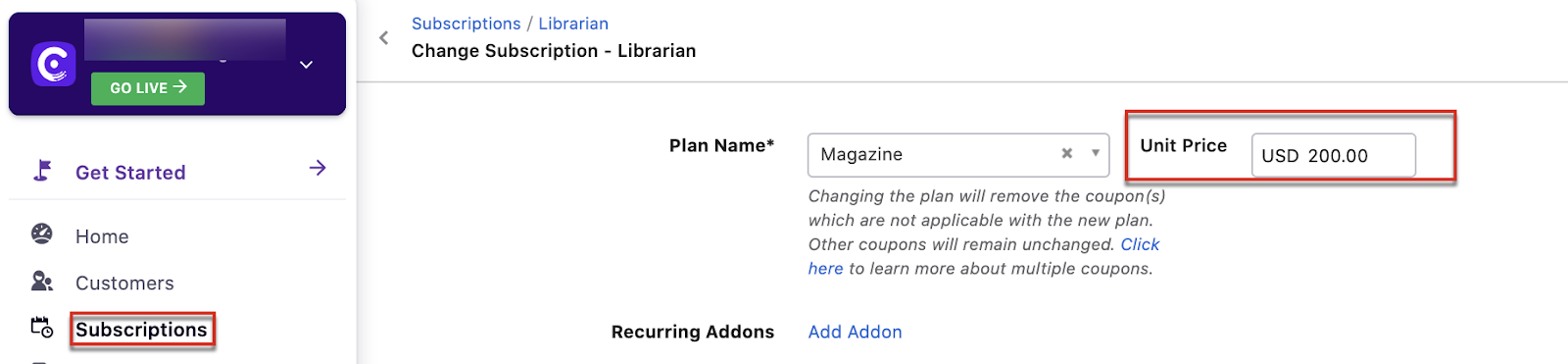
- The Unit Price option will appear under Change Subscription.
Important Notes
Note
- Price Override applies only to plans and addons with flat fee or per-unit pricing.
- Price Override is a business-controlled operation. Hosted Pages use the prices you configure and do not include override controls for customers. See Price Override.
- Coupon value cannot be overridden.
Was this article helpful?