Consolidated invoicing set up with Account hierarchy
Problem Statement
How do I set up consolidated invoicing with Account hierarchy? What are the invoicing options?
Solution
With Account hierarchy, you choose who is invoiced (parent or child). Invoices are consolidated for the invoiced entity based on that setting.
Note
Consolidated invoicing is available on specific plans. See the plans and pricing page.
Prerequisites for consolidation
Invoices consolidate when all of the following are true:
- Charges (subscription renewals and unbilled charges) are due on the same day
- Charges use the same currency
- Subscriptions have the same auto-collection status
- If auto-collection is on, subscriptions use the same payment method
Note
To align renewal dates, enable Calendar Billing. See Account Hierarchy - Invoices.
Steps to Set It Up
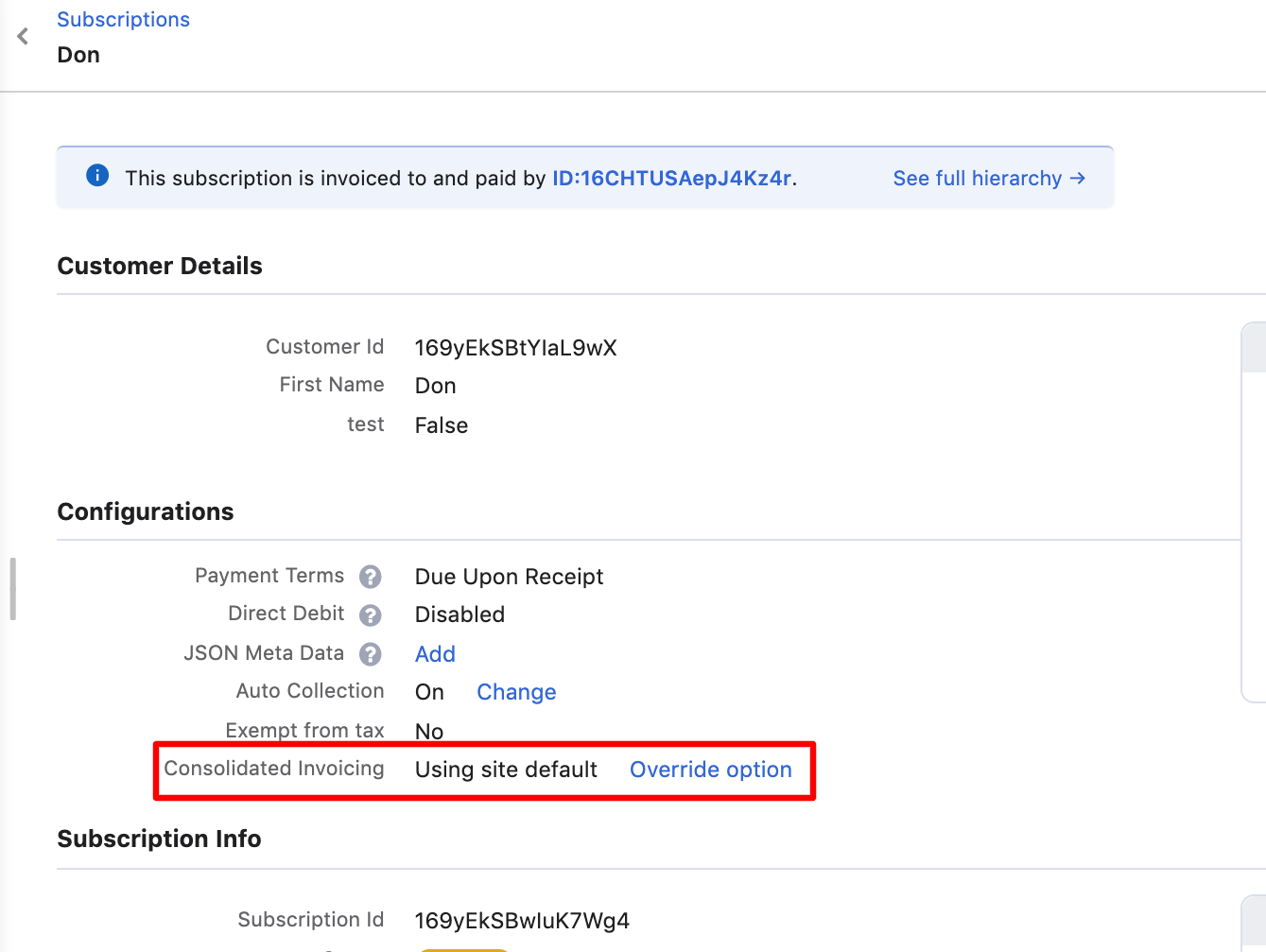
Enable consolidated invoicing for the customer account that pays for child invoices. The consolidation setting defaults to the site configuration but can be overridden per customer.
Was this article helpful?