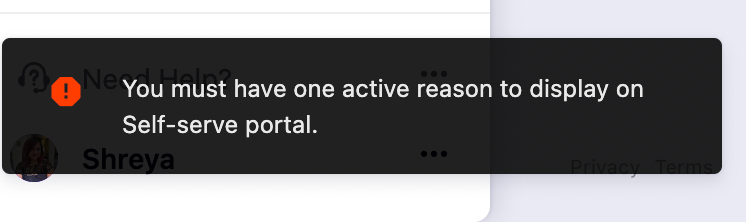
"You must have one active reason to display on self-serve portal" error
Problem Statement
This article explains how to resolve the "You must have one active reason to display on the self-serve portal" error when trying to disable reason codes.
Solution
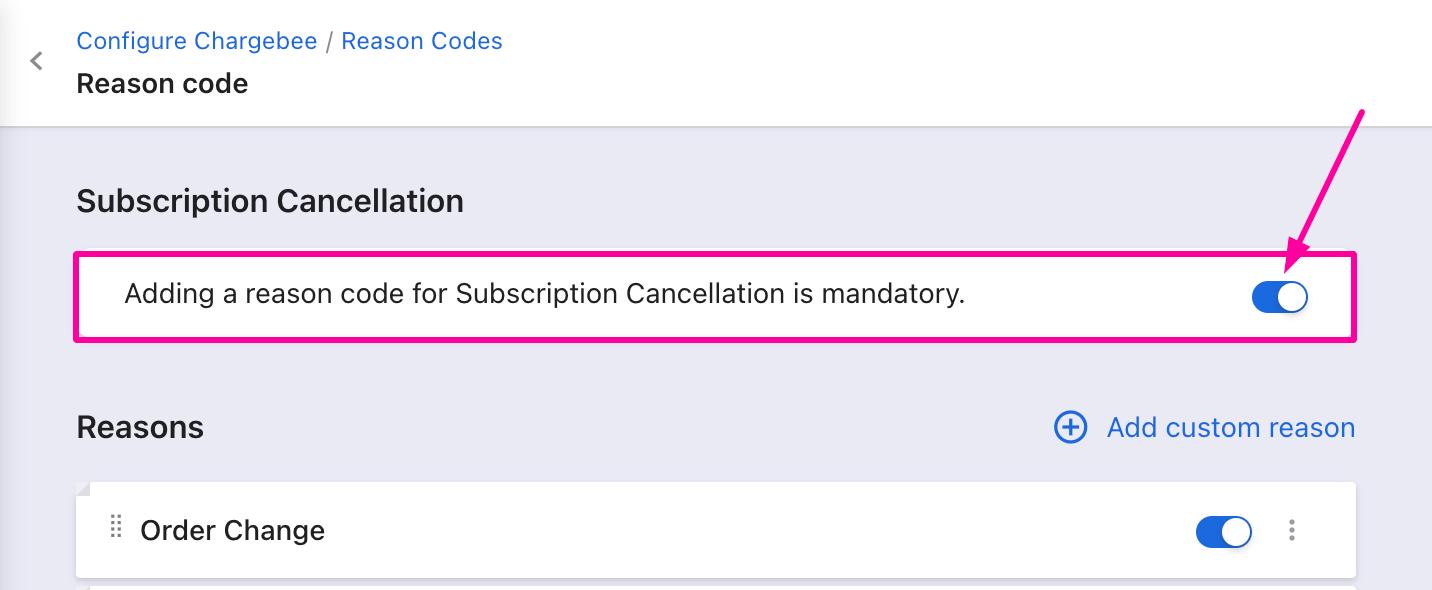
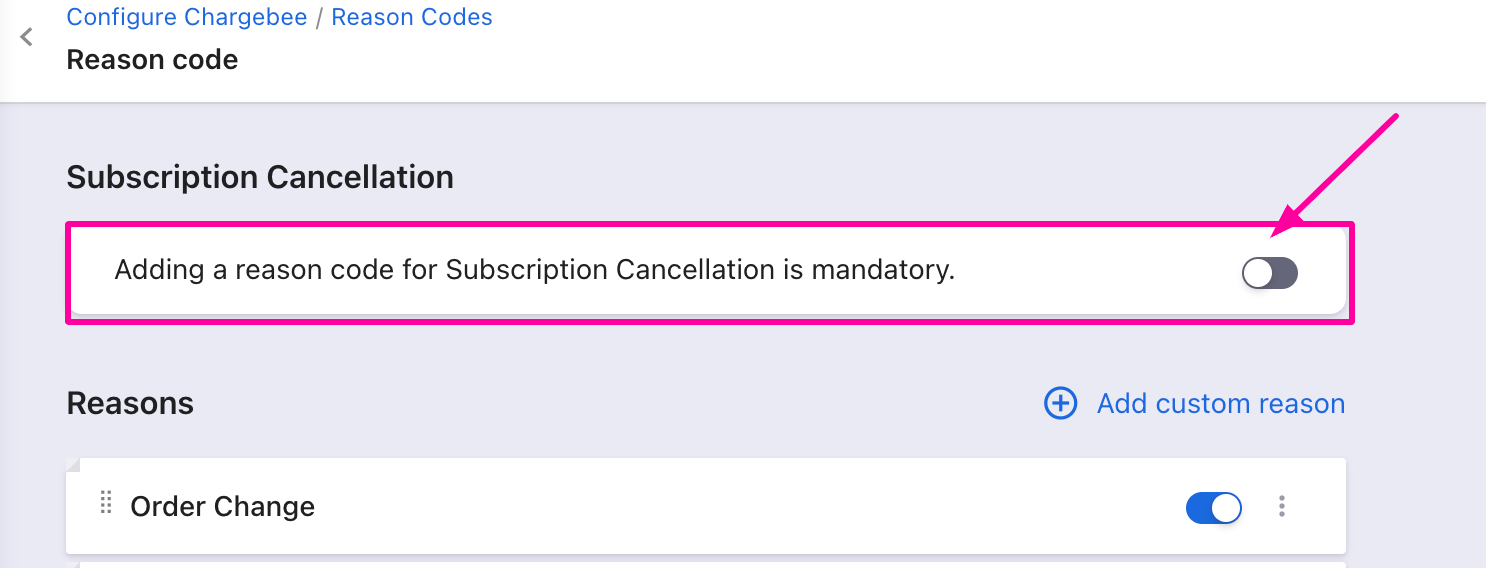
This error appears when reason codes are mandatory and you try to disable a reason code. First disable the mandatory reason codes setting, then disable the individual reason codes.
Steps to Set It Up
- Go to Settings > Configure Chargebee > Billing LogIQ > Reason Codes.
- If the toggle to make reason codes mandatory is enabled, disable it first.
- You can then disable the desired reason codes.
Watch this video for a walkthrough.
Note:
This applies to reason codes associated with all entities.
Was this article helpful?