Tax component missing from quote
Problem Statement
Tax appears on invoices but not on quotes, causing a price difference between quote and invoice.
Solution
Tax is hidden on quotes by default. Enable the setting to show applicable taxes on quotes so that tax line items appear on future quotes.
Steps to Set It Up
- Go to Settings > Configure Chargebee > Invoices, credit notes, and quotes.
- Open the Quotes tab.
- Enable Show Applicable taxes.
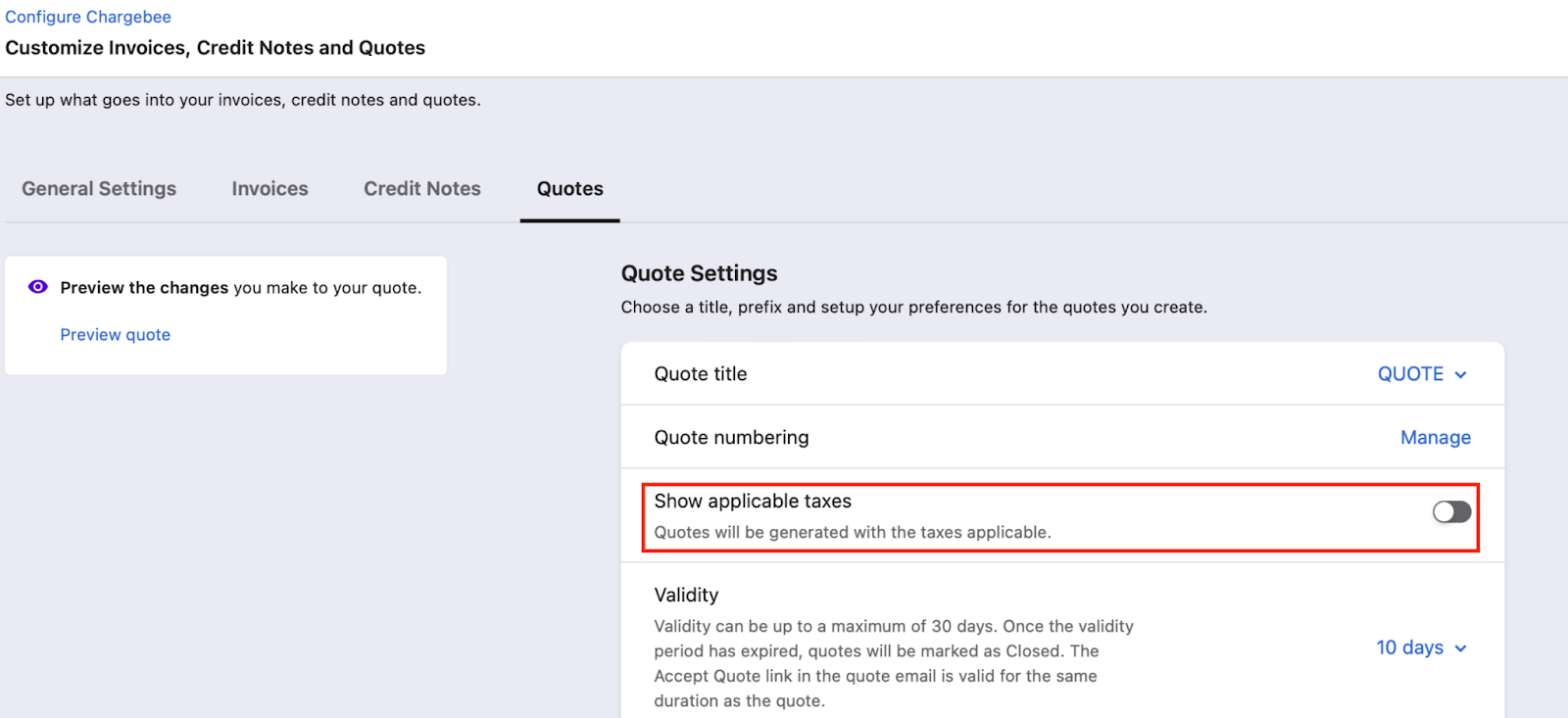
Taxes will appear on quotes only when this setting is enabled.
Important Notes
Note:
Price differences between quote and invoice can also be due to proration.
Was this article helpful?