How to disable or remove the trial period from multiple price points of multiple plans in bulk on Latest Product Catalog Chargebee site?
Problem Statement
How do I remove the trial period from multiple price points of multiple plans in bulk? How do I edit multiple plan price points in bulk?
Solution
Use the Update Item Prices bulk operation to remove the trial period from multiple price points in one go.
Steps to Set It Up
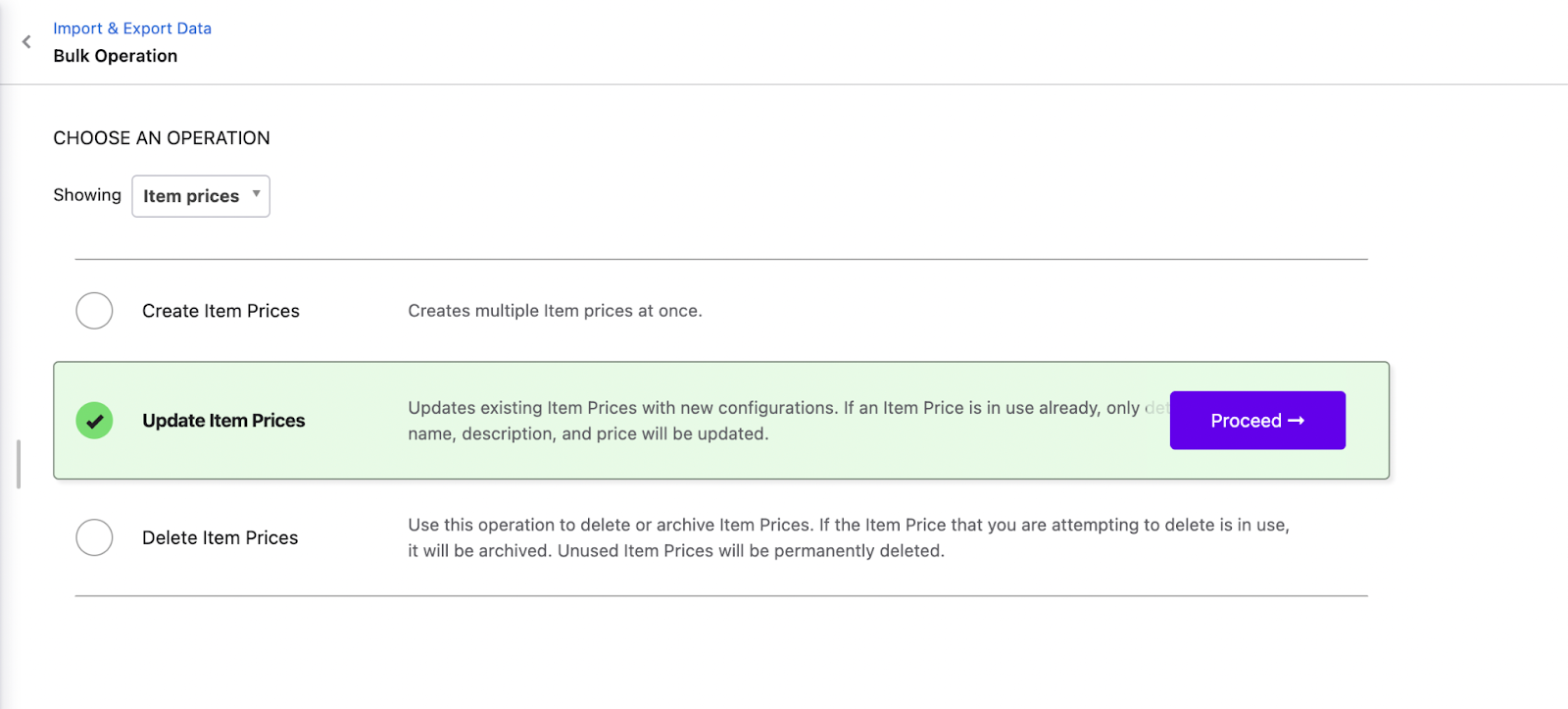
- Go to Settings > Import and Export Data > Choose a bulk operation > Popular Operations > Item Prices > Update Item Prices > Proceed
- Click Download Sample CSV file. Open in Google Sheets and fill the required columns:
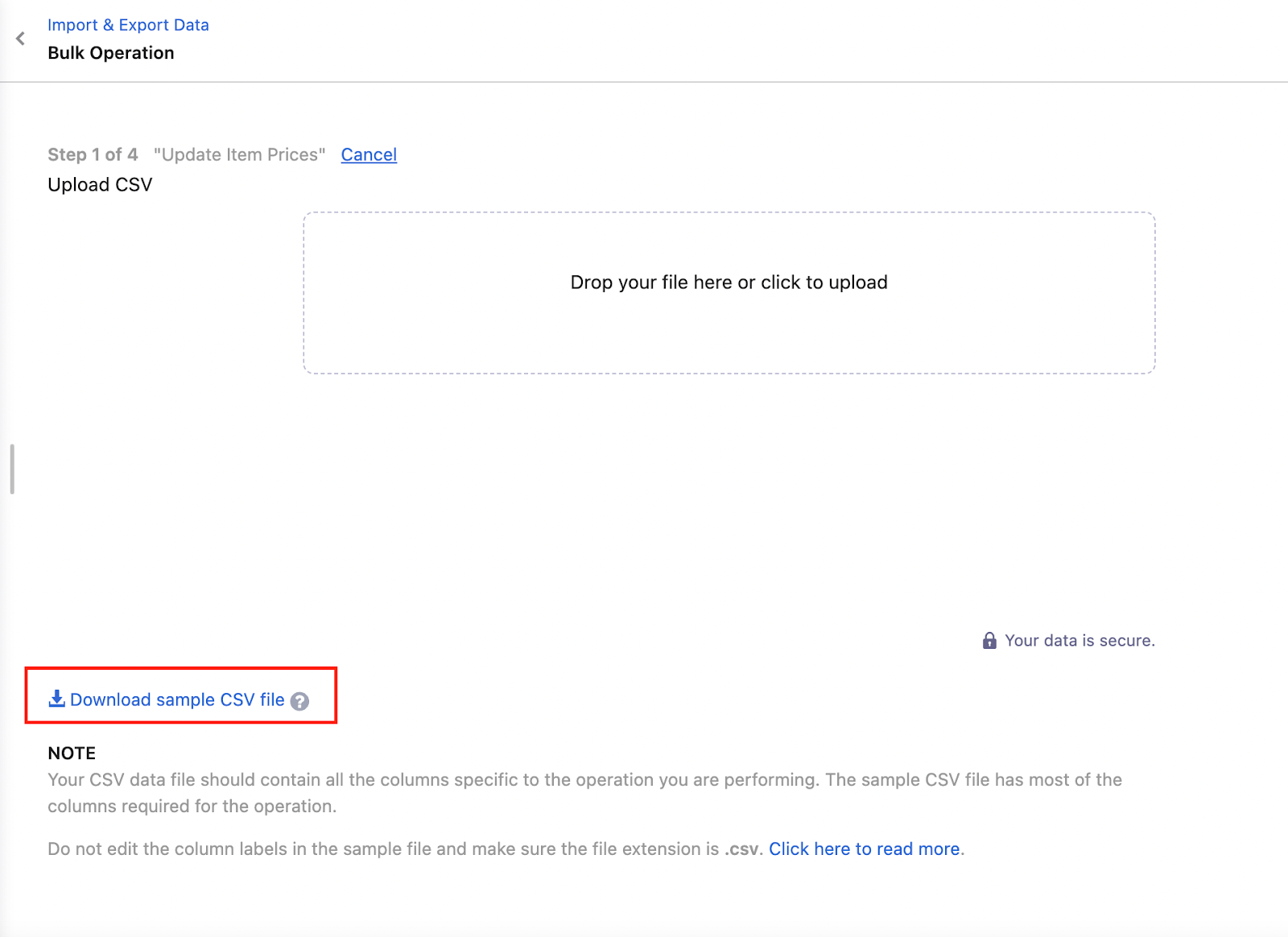
- Save as CSV and upload it in the same place as step 1.
Required columns:
| Column | Parameter | Value |
|--------|-----------|-------|
| A | item_price[id] | Item Price ID |
| E | item_price[currency] | Currency of the plan |
| O | item_price[period_unit] | Billing cycle unit (monthly, yearly, etc.) |
| P | item_price[period] | Number of billing units (e.g., 1 for monthly) |
| R | item_price[trial_period] | 0 to remove the trial period |
See Update an item price API for parameter details.
Note
Each row must contain one item price. Use multiple rows for multiple item prices.
For more on bulk operations, see Bulk operations.
Related Articles
Show more
Was this article helpful?