You are viewing:
Product Catalog 2.0
Error: Reactivate from date should be in past
This article covers
How to resolve the error 'Reactivate from date should be in past' while reactivating a subscription?
How to reactivate a subscription with a future date?
Summary
The error that you receive is because the 'Reactivate From' date you have chosen is a future date whereas it should be chosen as a past/present date. This is an expected behavior. If you still wish to reactivate the subscription with a future date, then you can choose to add the amount to unbilled charges and delete it later and set the next billing date as a future date.
Solution
When reactivating a subscription, whether through the web interface or via the API, you can specify a past date/time for Chargebee to consider when the subscription gets reactivated from.
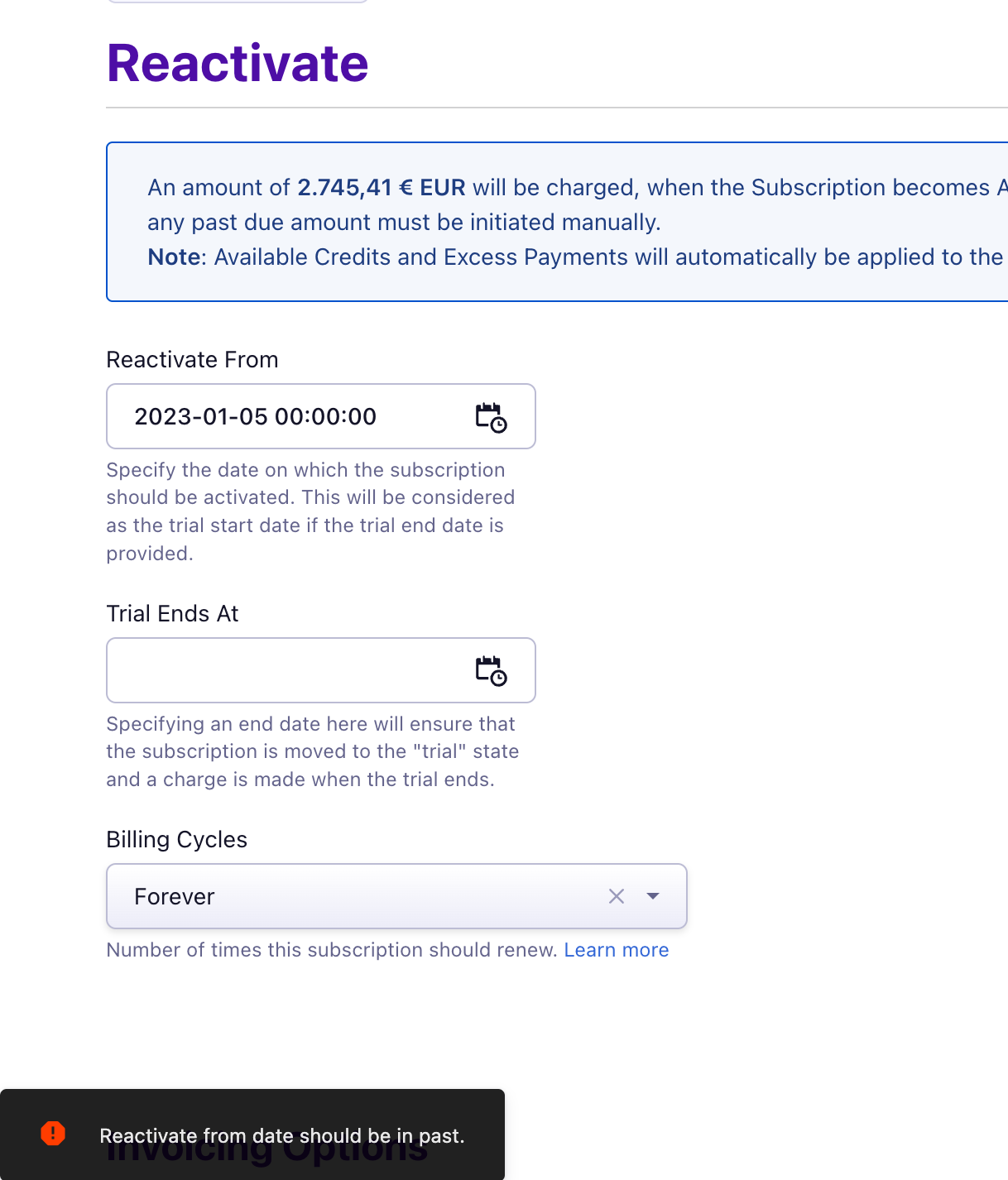
If you wish to reactivate the subscription on a future date, please follow any one of the workaround steps below:
Option 1: You can select a past date/current date as a reactivation date. Set the "Invoicing Options" to "Add to unbilled charges". This will create an unbilled charge. You can delete the unbilled charge from the subscription view and set the next billing date to a future date.
Option 2: You can keep a personal reminder and reactivate the subscription directly on a future date and set the Invoicing options to "Invoice Immediately".
Was this article helpful?