How to customize the V3 (In-app) checkout - hosted pages?
Problem Statement
You want to customize the V3 (In-app) checkout: logo, brand color, fields, and labels.
Solution
Customize the in-app checkout from the Checkout & Self-serve portal settings. You can change the logo, brand color, fields, and labels.
Steps to Set It Up
- Go to Settings > Configure Chargebee > Checkout & Self-serve portal. Make changes and click Publish.
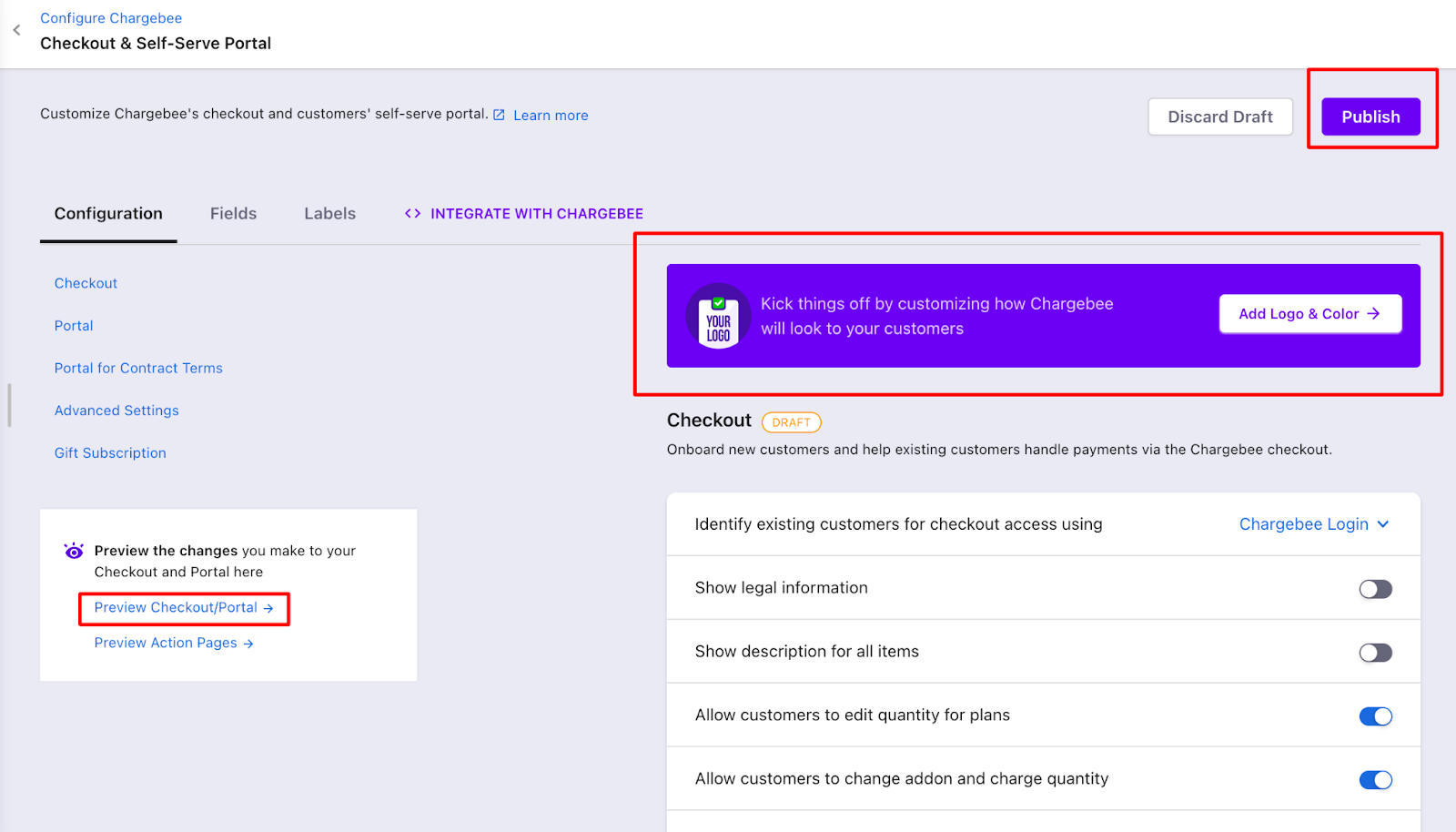
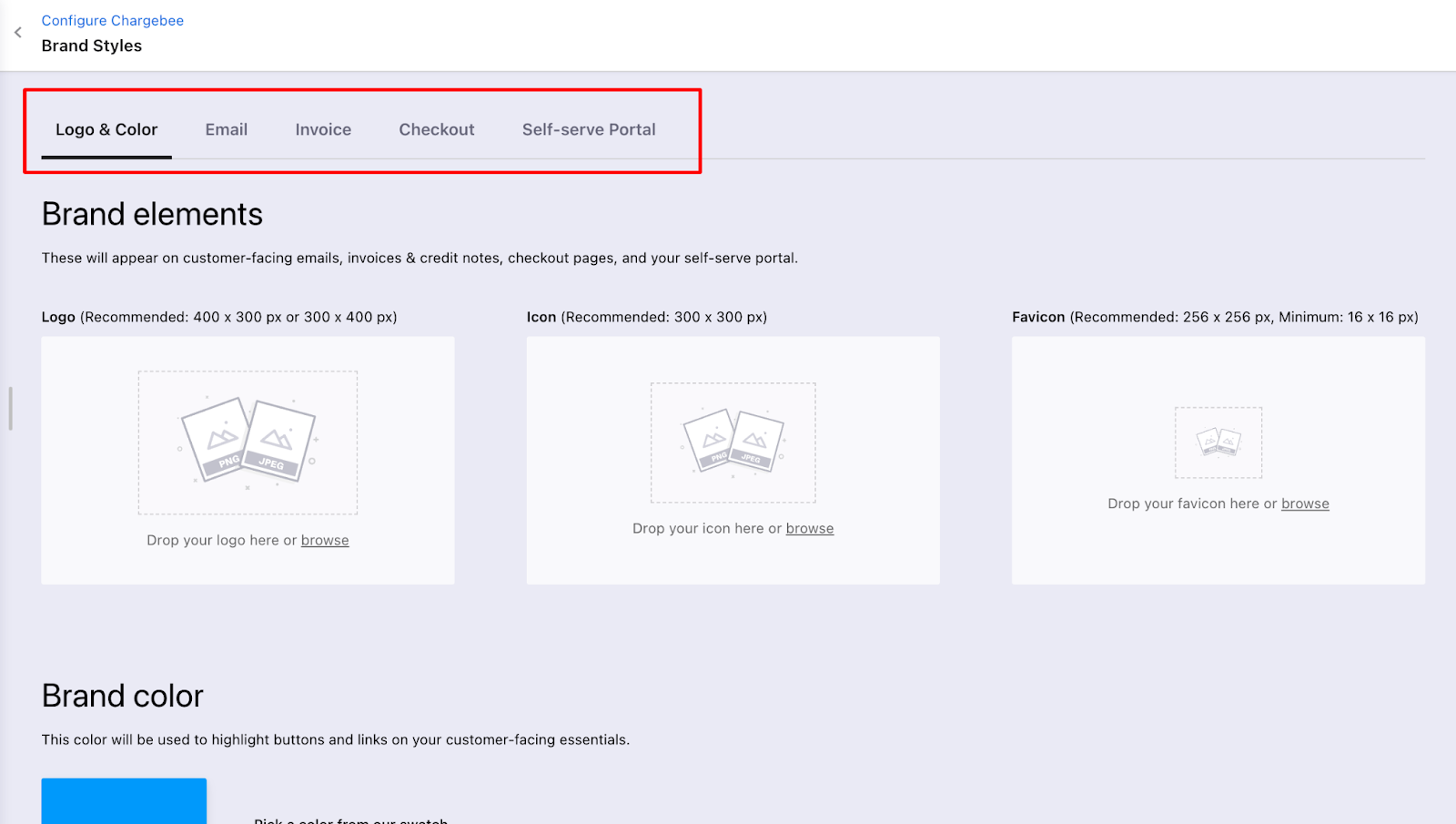
- Click Add logo and color to add your logo and set the brand color. You can also customize invoices, emails, and other customer-facing content.
- Edit fields and labels using Configuring Fields and Labels.
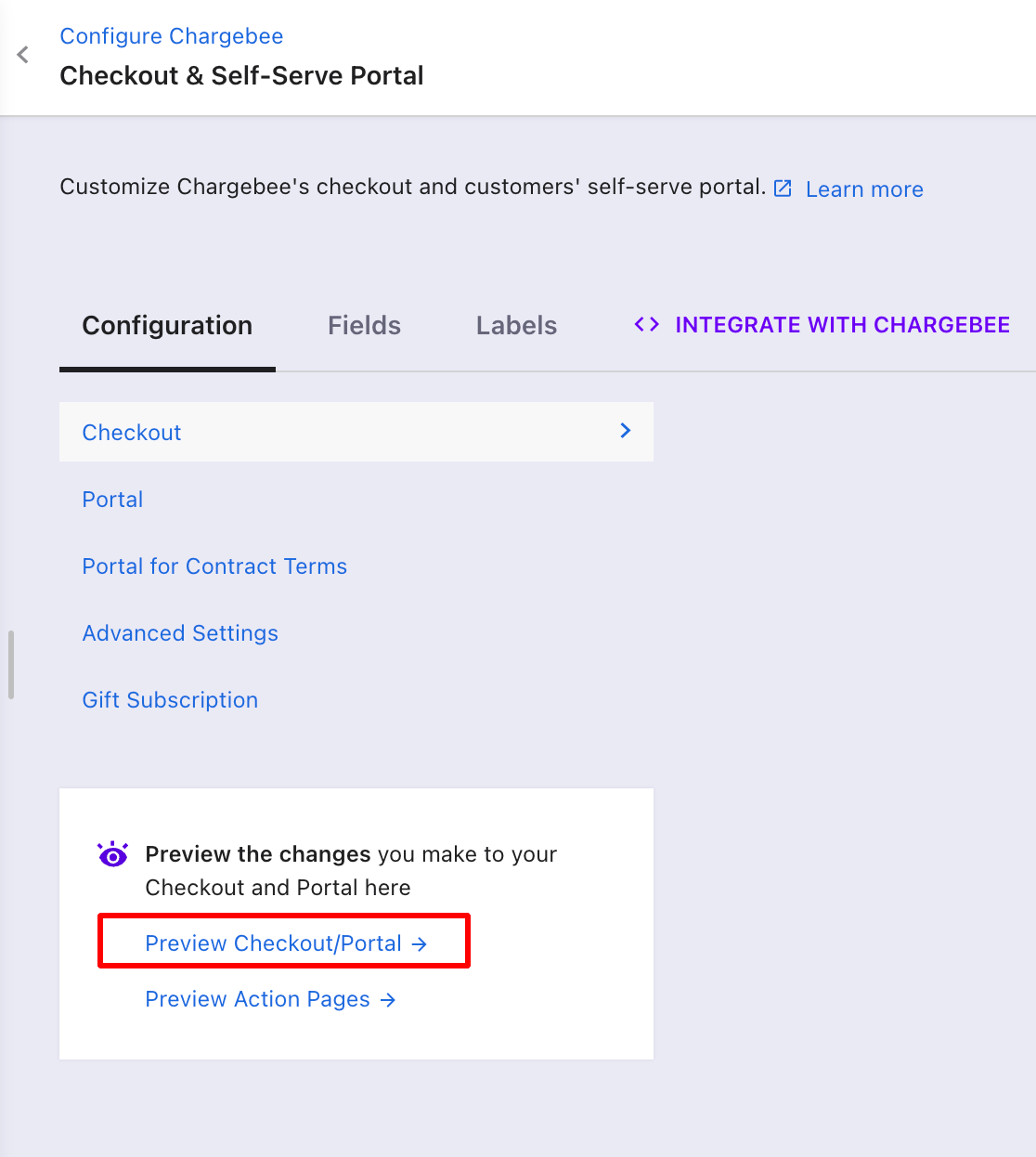
- Click Preview Checkout/Portal to preview changes.
Was this article helpful?