What is NRR (Net Revenue Retention) and where to check this metric in Revenue Story?
Problem Statement
This article explains what NRR (Net Revenue Retention) is and where to find it in Revenue Story.
Solution
What is NRR?
NRR (Net Revenue Retention), also known as NDR (Net Dollar Retention), is the percentage of Monthly Recurring Revenue retained during a period. It is calculated as:
NRR = (MRR in the period ÷ MRR at the beginning of the period) × 100
NRR only includes MRR from customers who were active at the beginning of the period. Customers who activated or newly joined in the current month are excluded.
Where to find NRR in Revenue Story
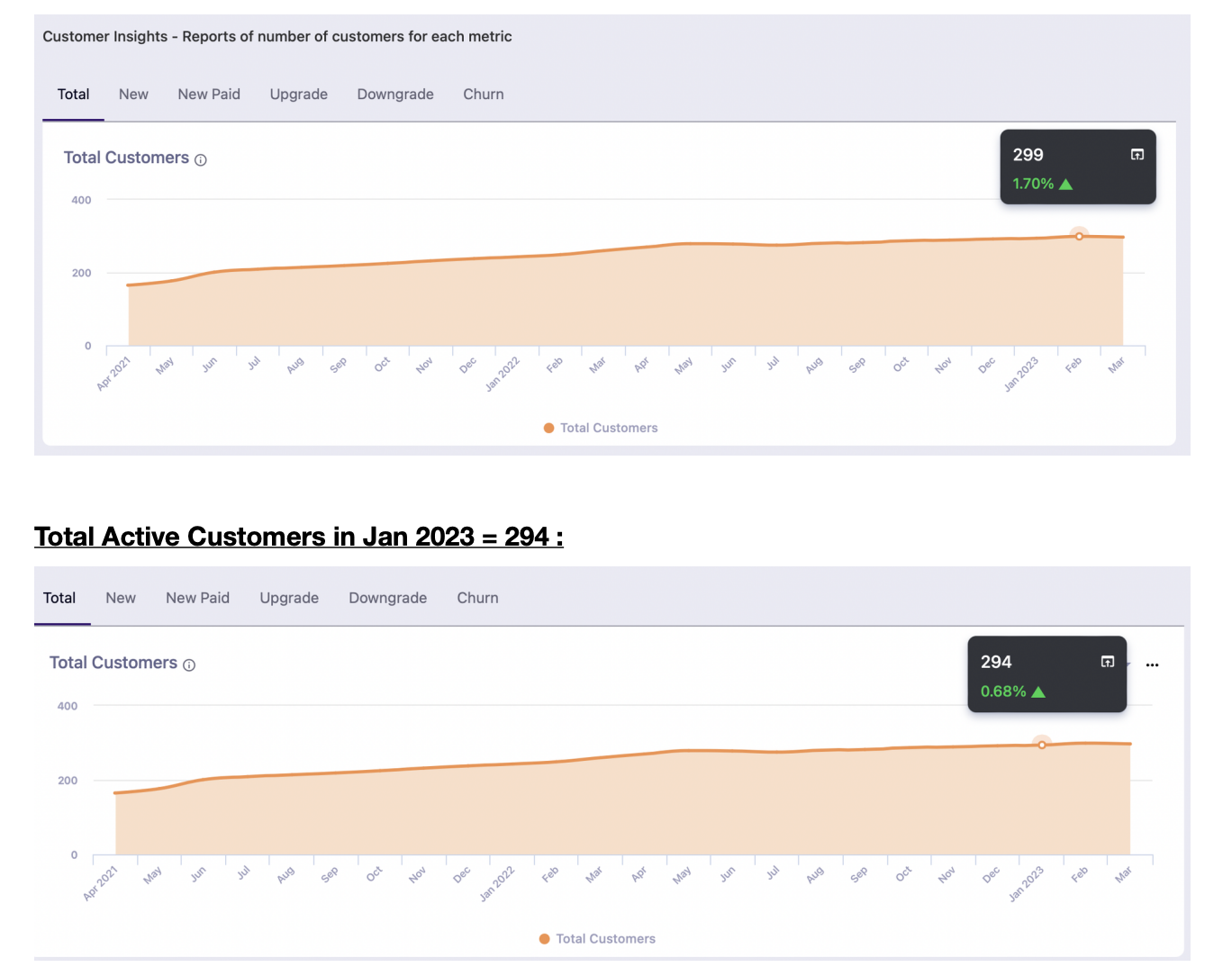
- Export the underlying data for Total Customers for the current month.
- Export the underlying data for Total Customers for the previous month.
- Compare both lists to identify customers present in the previous month but not in the current month.
You can also download the underlying data from the Net Revenue Retention metric at the Customer Insights level.
Was this article helpful?