How to export list of customers with excess payment?
Problem Statement
You want to know how to export list of customers with excess payment.
Solution
Scope
I need to know how I can pull a list of all customers that have an excess payment?
Summary
You can filter the list of customers who has excess payments from the Customers Index Page using the Advanced Filter option.
Note
Total Excess Payments for a specific customer We have updated our summary box to provide a more streamlined and elegant user experience. With this upgrade, hyperlinks have been added to the summary box, allowing users to easily access related information. The Total Excess Payments on Summary Section is available at the top of the Customer details page which provides a total amount due of a customer and hyperlink that directs to the details. Refer to this link for more details.
Solution
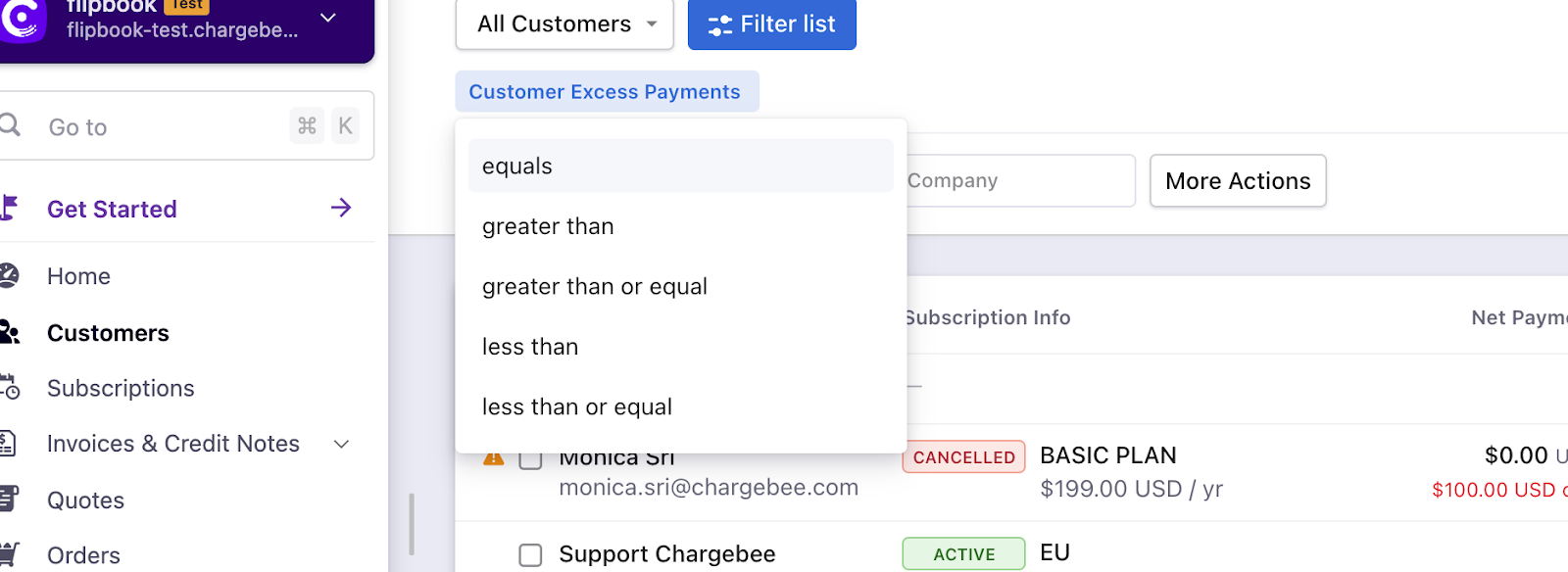
Navigate to Customers Index Page > Filter list > Excess Payments > Choose the condition (as per your requirements): Refer to the screenshot below > Apply Filter
Note
On the recent UI enhancement you On the recent UI enhancement you can now scroll the index pages - Customers, Subscriptions, Invoices, and Credit Notes vertically. Earlier, the pages will be paginated which may prolong your search however with the new enhancement as you scroll down the list it will load all other data in a single page as highlighted below on the screenshot. Refer to this link for more information.
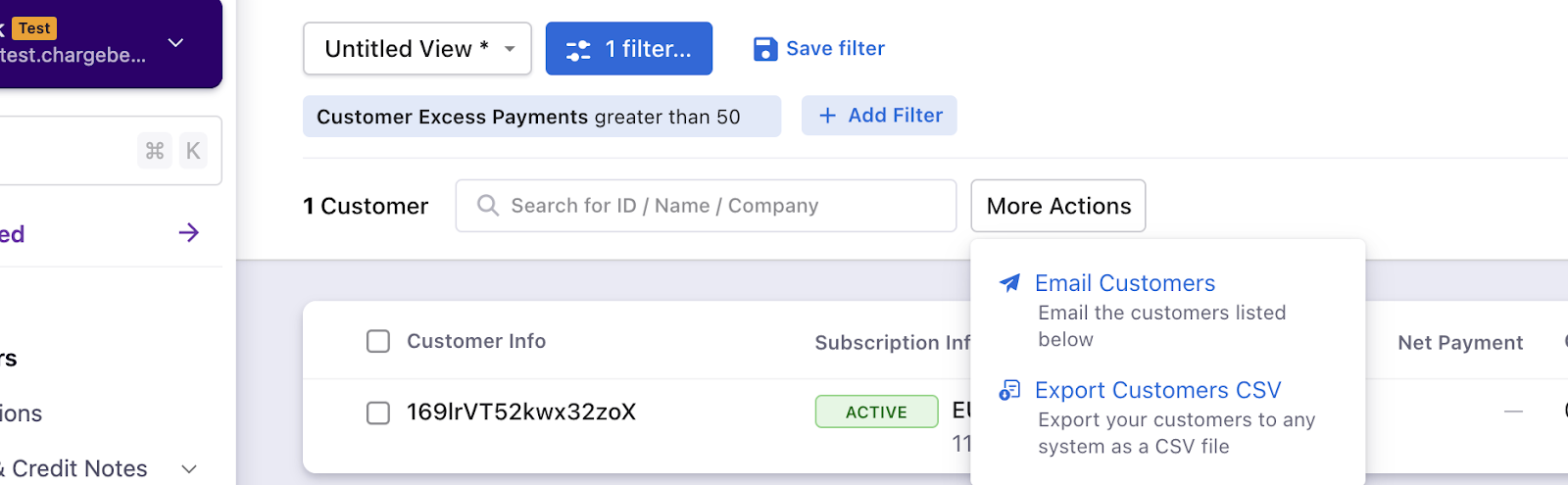
Once you filter the list of customers, you can download the report in CSV format from More Actions.
Related Articles
Show more
Was this article helpful?